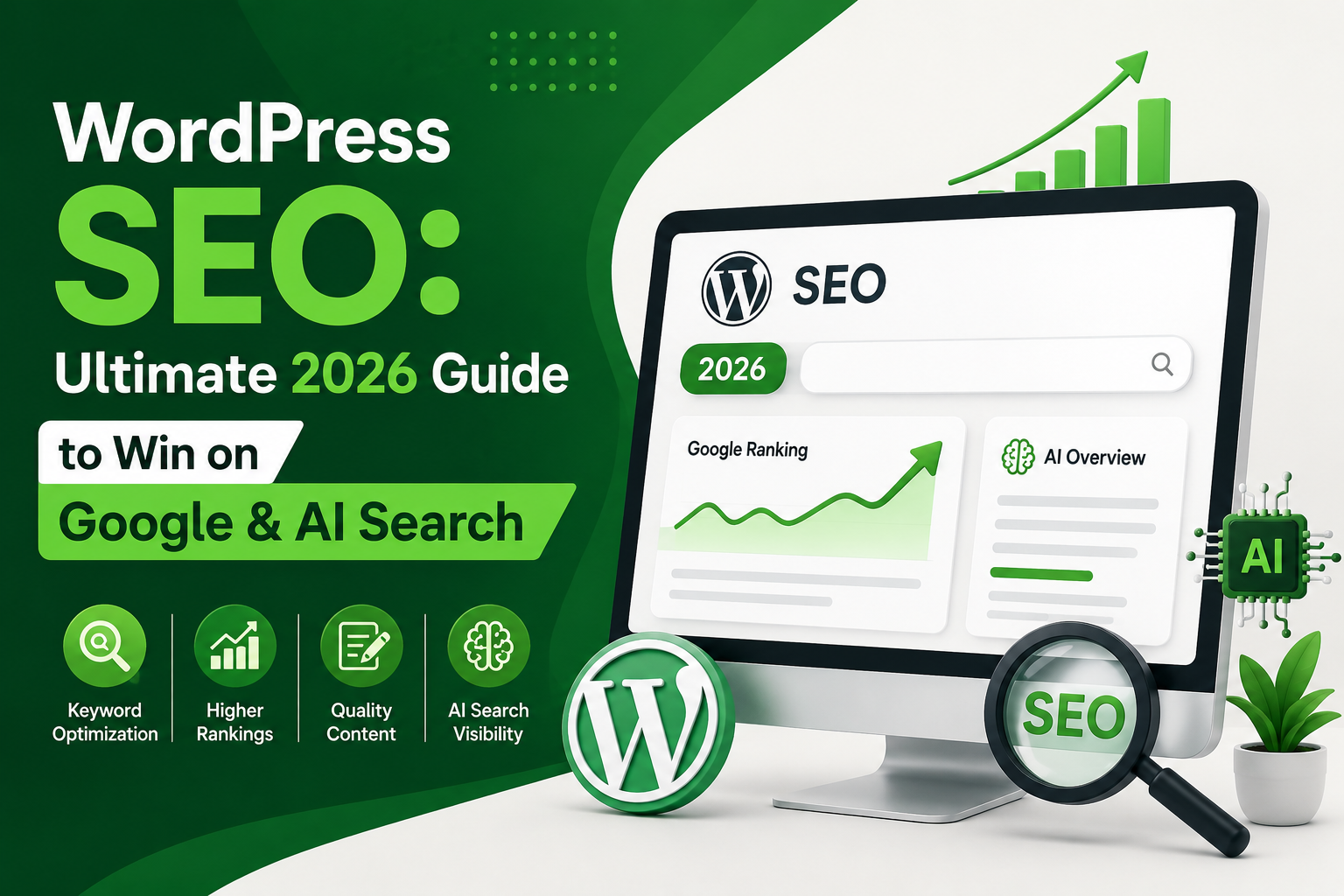
If you want your WordPress website to get more visitors from search engines, WordPress SEO should be one of your main priorities. Publishing good content is important, but it is only one part of getting your pages noticed. Your website also needs the right structure, keywords, internal links, fast loading speed, and proper technical settings.
Search is also changing in 2026. Along with traditional Google results, users are increasingly seeing AI-generated answers and using AI tools to discover information. This means your content should not only be optimized for Google but should also be clear, useful, well-structured, and easy for search systems to understand.
In this guide, you will learn practical SEO for WordPress techniques that can help improve your website’s visibility in Google and AI-powered search.
What Is WordPress SEO?
WordPress SEO means optimizing your WordPress website and its content so search engines can easily discover, understand, and index your pages.
It includes several areas, such as:
- Keyword research
- SEO-friendly content
- Titles and meta descriptions
- Website speed
- Mobile optimization
- Internal linking
- Image optimization
- XML sitemaps
- Technical SEO
- Google Search Console
The goal is not simply to add keywords. The goal is to create a website that provides a useful experience for visitors while making your content easy for search engines to understand.
1. Start With Keyword Research
Before writing a blog post, find out what your audience is actually searching for.
For example, if your website is about WordPress, instead of targeting a very broad term like SEO, you could target a more specific phrase such as WordPress SEO for beginners.
Look for keywords that match the purpose of your article. Search intent is important because someone searching for “best WordPress SEO plugins” wants different information from someone searching for “how to use Yoast SEO.”
You can also include related and long-tail keywords naturally throughout your content.
2. Choose an SEO-Friendly WordPress Theme
Your theme affects more than just the appearance of your website. A poorly optimized theme can make your website slower and harder to use.
Choose a theme that is:
- Mobile-friendly
- Lightweight
- Regularly updated
- Easy to customize
- Compatible with popular SEO plugins
Avoid themes overloaded with unnecessary features, scripts, and animations if they affect performance.
A clean design with simple navigation is usually better for both users and search engines.
3. Use an SEO Plugin
An SEO plugin makes many optimization tasks easier for WordPress users.
Popular options include Yoast SEO, Rank Math, All in One SEO, and SEOPress.
If you are using Yoast SEO WordPress, you can optimize important elements such as your SEO title, meta description, focus keyphrase, sitemap, and other settings from your WordPress dashboard.
However, remember that an SEO plugin cannot automatically make your website rank. It provides tools and recommendations, while the quality of your content and overall SEO strategy still matter.
4. Create SEO-Friendly URLs
Your URLs should be short, readable, and related to the page topic.
For example:
Good:
example.com/wordpress-seo-guide/
Less useful:
example.com/?p=123
A simple URL helps users understand what the page is about before clicking it.
In WordPress, you can manage your permalink structure from:
Settings → Permalinks
If your website already has published pages, don’t change existing URLs without setting up proper redirects.
5. Optimize Titles and Meta Descriptions
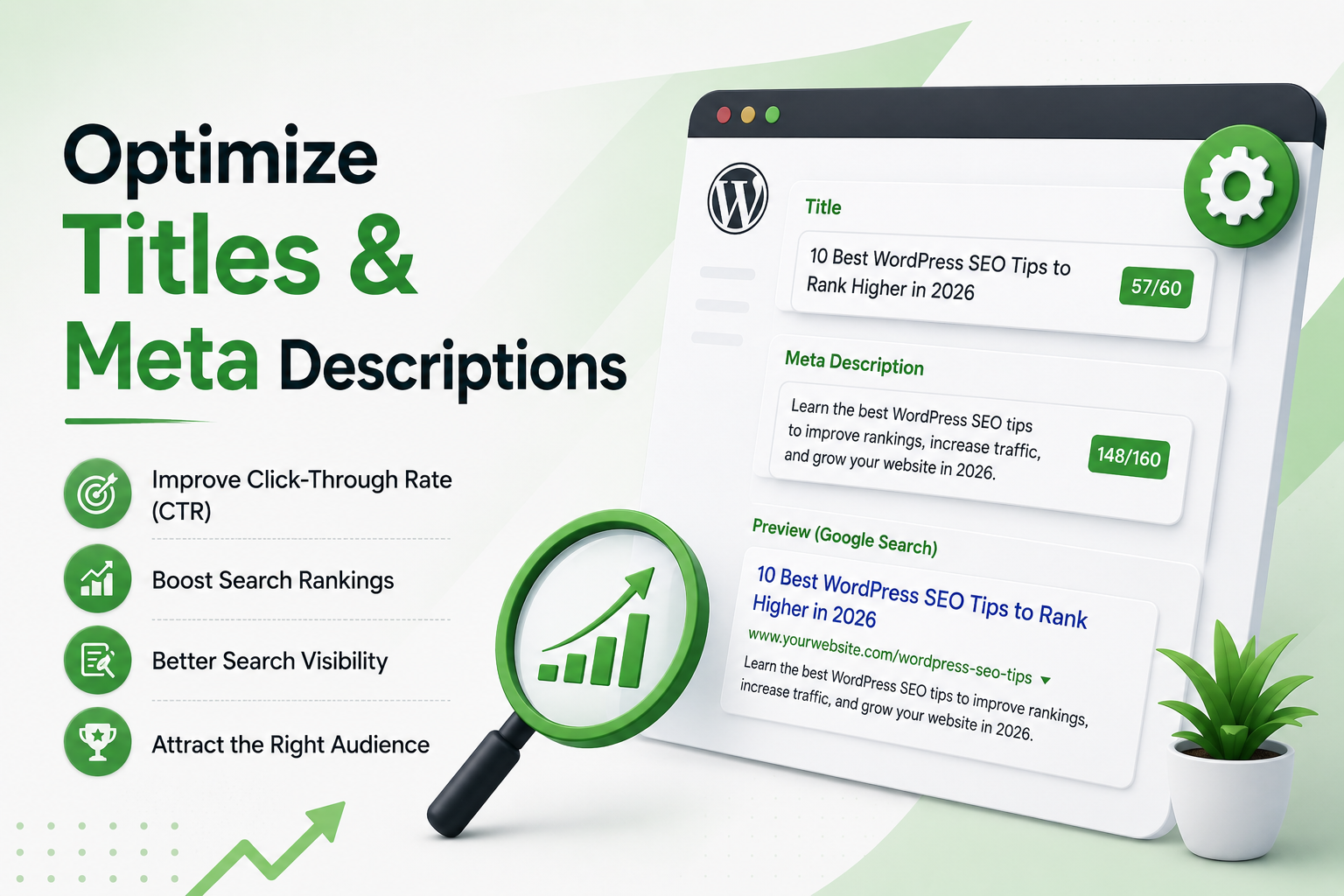
Your SEO title tells users and search engines what your page is about.
Try to include your main keyword naturally while making the title interesting enough to encourage clicks.
For example:
Ultimate WordPress SEO Guide: How to Rank on Google & AI Search in 2026
Your meta description should provide a short summary of the page and explain what readers can expect.
Avoid writing descriptions that simply repeat keywords. Focus on making them useful and relevant.
6. Write Helpful, Original Content
One of the most important parts of SEO for WordPress is the quality of your content.
Don’t write an article only because a keyword has search volume. Write because you have something useful to explain.
Good content should:
- Answer the reader’s main question
- Be easy to understand
- Provide practical information
- Use examples when helpful
- Avoid unnecessary repetition
- Be updated when information changes
Instead of repeating the same keyword throughout an article, cover related questions and subtopics naturally.
7. Use Headings Properly
Long articles are much easier to read when they are divided into sections.
Use one clear H1 for the main title and organize the article with H2 and H3 headings.
For example:
H2: How to Improve WordPress SEO
H3: Optimize Your Images
H3: Improve Website Speed
Clear headings help visitors quickly find the information they need and make your content easier to understand.
8. Add Internal Links
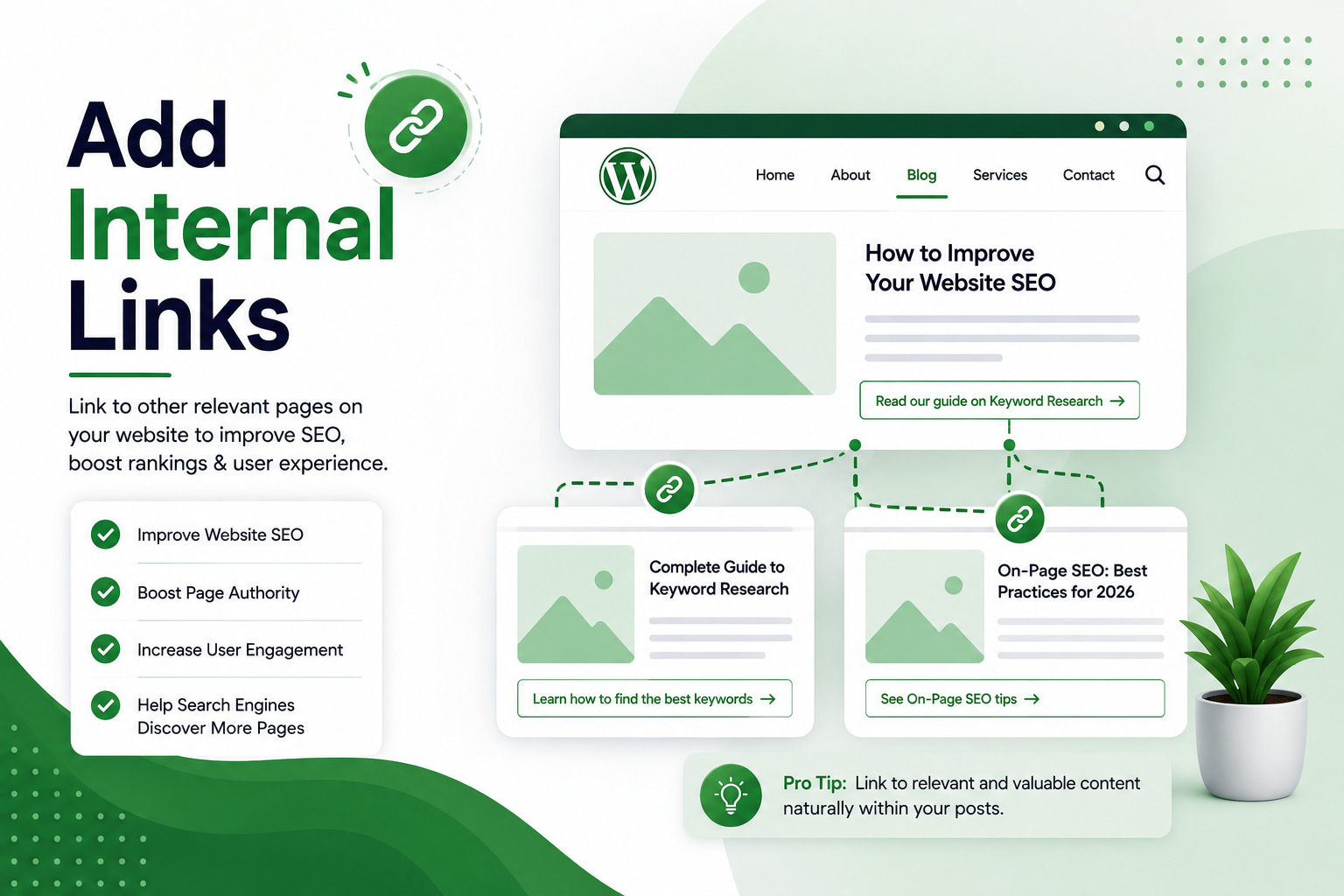
Internal linking is an easy but valuable part of WordPress SEO.
Whenever you publish a new article, look for relevant pages on your website that you can link to.
For example, this guide could naturally link to your articles about:
- Best WordPress SEO Plugins
- WordPress Themes
- Website Speed
- How to Create a Website
- AI Website Builders
Internal links help visitors discover more content and create connections between related pages on your website.
You should also update older articles and add links to newer relevant posts when appropriate.
9. Optimize Your Images
Images can improve your articles, but large image files can slow down your website.
Before uploading an image, compress it and use a suitable format.
Also give your image a descriptive file name.
For example:
Better:
wordpress-seo-guide.jpg
Poor:
IMG1234.jpg
Add alt text when it helps describe the image. Alt text should explain the image rather than simply containing a list of keywords.
Image optimization can improve both accessibility and website performance.
10. Improve WordPress Website Speed
Website speed is an important part of providing a good user experience.
If your pages take too long to load, visitors may leave before reading your content.
Some ways to improve WordPress performance include:
- Compressing images
- Using caching
- Removing unnecessary plugins
- Keeping WordPress updated
- Choosing reliable hosting
- Reducing unnecessary scripts
- Using a CDN when appropriate
You can use tools such as Google PageSpeed Insights to identify performance problems.
11. Make Your Website Mobile-Friendly
Your website should work properly on smartphones and tablets.
Check that your:
- Text is easy to read
- Buttons are easy to tap
- Images fit the screen
- Navigation works correctly
- Pages don’t have horizontal scrolling
A responsive WordPress theme can make mobile optimization much easier.
12. Connect Google Search Console
Google Search Console is one of the most useful free tools for website owners.
It allows you to see how your pages are performing in Google Search.
You can monitor:
- Search queries
- Impressions
- Clicks
- Average position
- Indexed pages
- Indexing problems
- Core Web Vitals
It can also show you keywords for which your pages are receiving impressions.
This information can help you improve existing content and find ideas for future articles.
13. Create an XML Sitemap
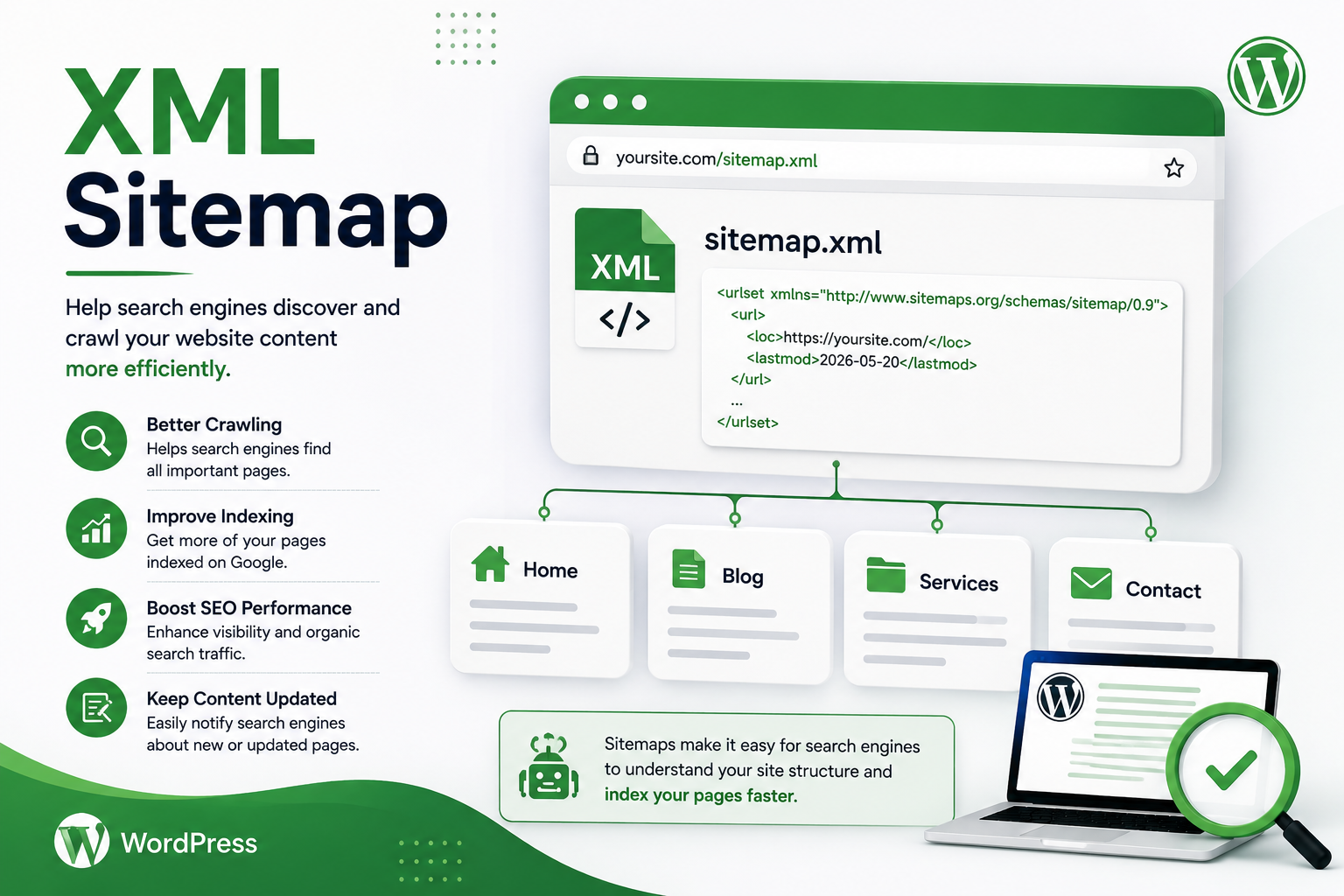
An XML sitemap helps search engines discover important URLs on your website.
Most modern WordPress SEO plugins can automatically generate a sitemap.
After creating your sitemap, you can submit it through Google Search Console.
A sitemap does not guarantee that every page will rank, but it can make URL discovery easier for search engines.
14. Use Schema Markup
Schema markup provides additional information about your content in a format that search engines can understand.
Depending on your website, you may use appropriate schema for:
- Articles
- Products
- Organizations
- Breadcrumbs
- Events
- Local businesses
Many WordPress SEO plugins can help implement common schema types without requiring advanced coding skills.
Always use schema that accurately represents the content on your page.
15. Optimize for AI Search in 2026
SEO is no longer only about traditional blue links.
AI-powered search experiences can summarize information and provide direct answers to users. To improve your chances of being understood and referenced by these systems, focus on creating clear and useful content.
Here are some practical tips:
Answer questions directly
If your heading asks What is WordPress SEO?, answer the question clearly at the beginning of that section.
Keep your content well-structured
Use descriptive headings, short paragraphs, lists, tables, and clear explanations.
Add original information
Instead of rewriting what everyone else has already published, include your own examples, comparisons, practical tips, or experience.
Keep information updated
WordPress, SEO tools, and search features change regularly. Review important articles and update outdated information.
The same fundamental SEO principles—useful content, crawlable pages, clear structure, and good user experience—remain important even as search evolves.
16. Use Yoast SEO the Right Way
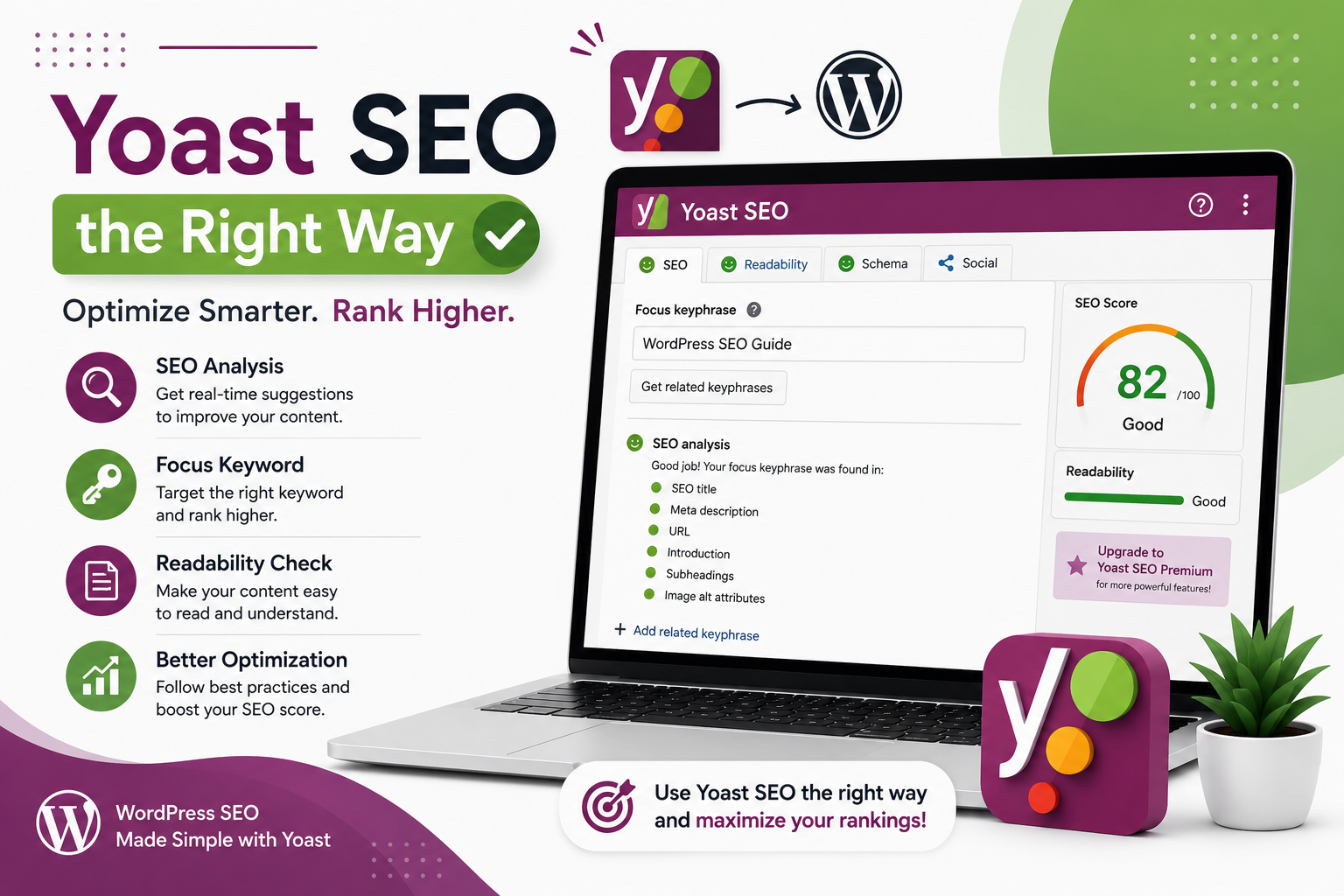
If you use Yoast SEO, don’t focus only on achieving a perfect score.
Treat the plugin’s recommendations as a helpful checklist.
Before publishing, review your:
- Focus keyphrase
- SEO title
- Meta description
- URL
- Headings
- Internal links
- Image alt text
- Readability
- Content structure
Your focus keyword should appear naturally. For example, if your main keyword is WordPress SEO, you can use it in the title, introduction, a relevant heading, and naturally within the article.
There is no need to repeat it in every paragraph.
WordPress SEO Checklist for 2026
Before publishing a new article, quickly check these points:
- Research your primary keyword
- Understand search intent
- Write a useful and original article
- Create an SEO-friendly title
- Add a relevant meta description
- Use a short URL
- Organize content with headings
- Add relevant internal links
- Optimize images
- Check mobile usability
- Improve page speed
- Create an XML sitemap
- Use appropriate schema
- Connect Google Search Console
- Make sure the page can be indexed
- Update old content when necessary
Final Thoughts
A strong WordPress SEO strategy is not about using a keyword as many times as possible. It is about creating useful content and making your website easy for both people and search engines to understand.
Use tools such as Yoast SEO to manage important on-page and technical settings, but don’t rely on an SEO score alone. Research the right topics, write genuinely helpful content, improve your website speed, build internal links, and monitor your results through Google Search Console.
As search continues to evolve in 2026, websites that focus on clear, original, well-structured information will be in a better position to attract visitors from both traditional Google results and AI-powered search experiences.