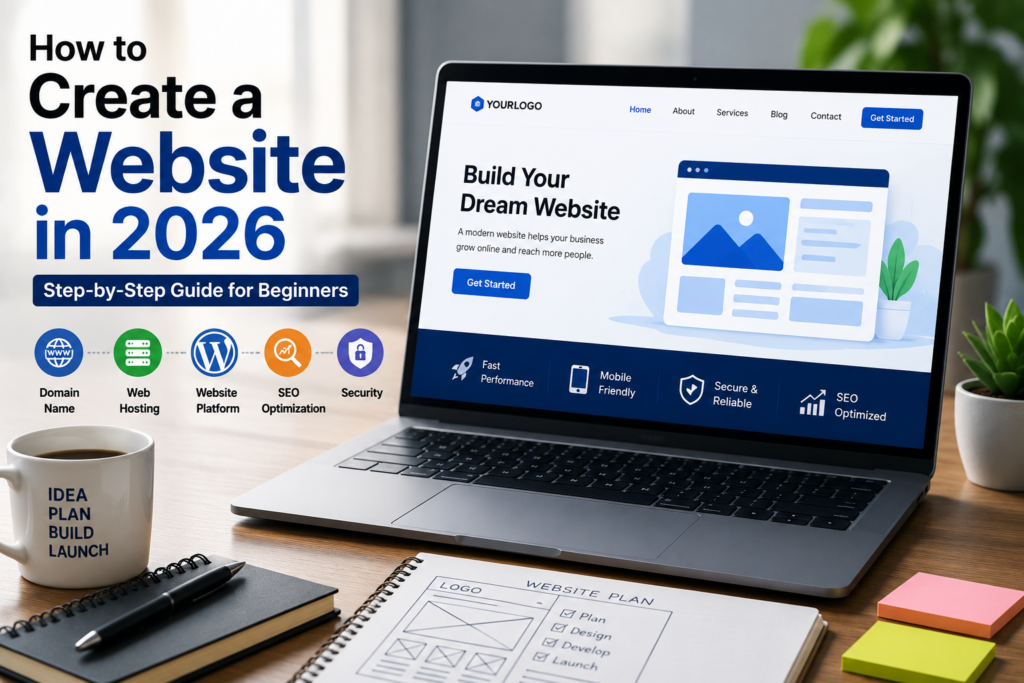
How to Create a Website in 2026: Complete Step-by-Step Guide for Beginners
Creating a website may seem difficult when you are just getting started, but the process is much easier today. You do not always need advanced coding skills to build a professional website. With the right planning, domain, hosting, website platform, content, design, and SEO strategy, you can create a website that is ready for visitors and search engines.
In this guide, we will explain how to create a website in 2026 from start to finish. You will learn how to choose a domain name, select hosting, choose the right platform, create important pages, optimize your website for SEO, improve security and speed, test your website, and launch it successfully.
What Do You Need to Create a Website?
Before building your website, you need a few basic things:
- A clear website goal
- A domain name
- Web hosting
- A website platform or CMS
- A professional design
- Useful content
- Basic SEO
- SSL/security
- A plan for regular updates and maintenance
The exact tools you need depend on the type of website you want to create. A business website, blog, portfolio, and online store can have different requirements.
Step 1: Define Your Website’s Purpose
The first step is to decide why you need a website.
For example, you may want to create a website to:
- Promote a business
- Sell products online
- Publish blog articles
- Showcase a portfolio
- Generate leads
- Offer professional services
- Build a personal brand
Write down the main goal of your website in one simple sentence.
For example:
“Our website will help small businesses find professional web development and SEO services.”
This makes it easier to decide what pages, content, features, and design your website needs.
Step 2: Choose the Type of Website
Next, decide what type of website you want to create.
Common website types include:
Business Website
A business website introduces your company, services, products, contact information, and brand.
Blog
A blog focuses mainly on publishing useful articles and information.
Portfolio Website
A portfolio website allows freelancers, designers, developers, photographers, writers, and other professionals to showcase their work.
E-commerce Website
An e-commerce website allows customers to browse products, add them to a cart, and purchase products online.
Service Website
A service website focuses on promoting professional services such as web development, SEO, digital marketing, content writing, or consulting.
Choosing the website type before starting development helps you select the right platform and features.
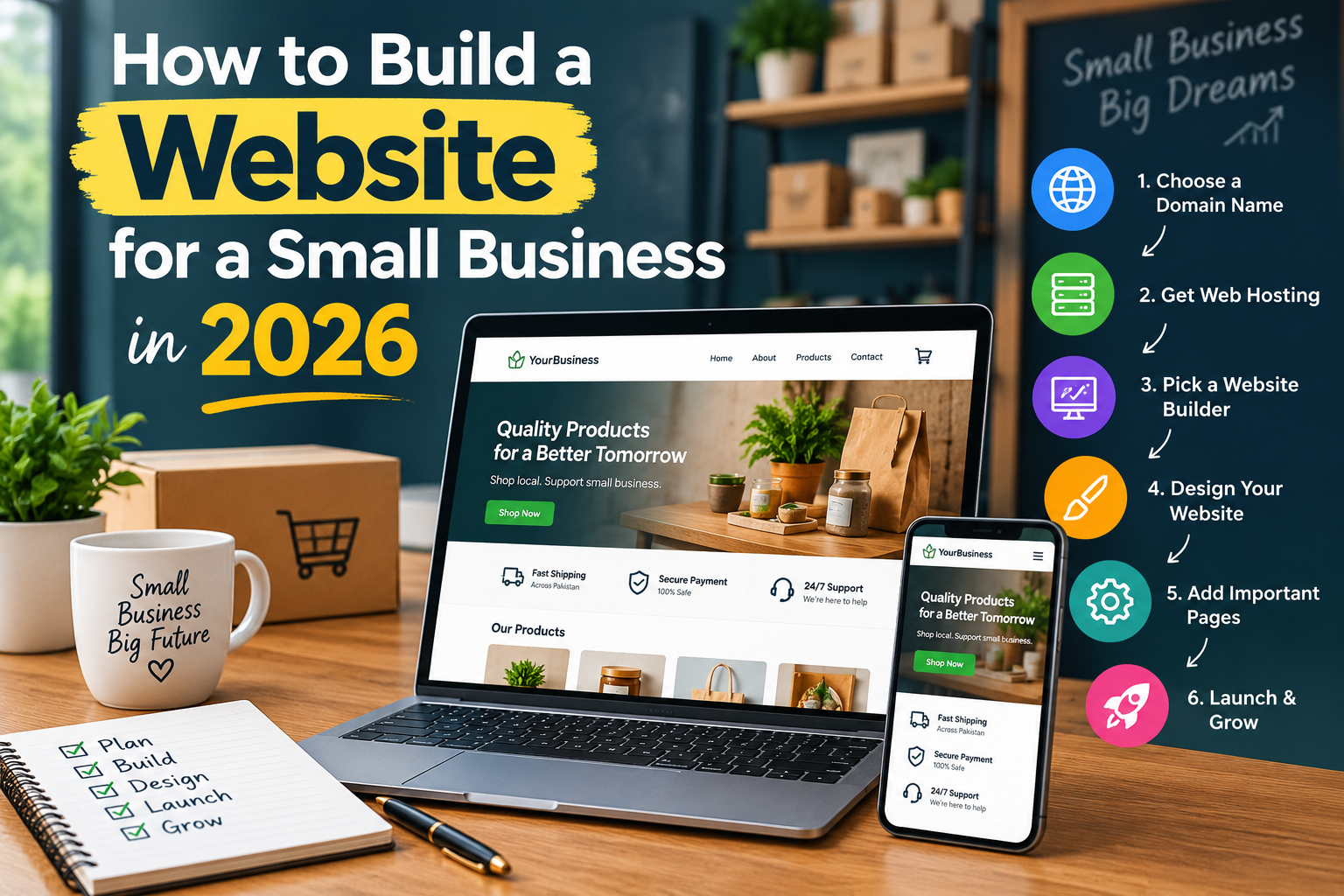
Step 3: Choose a Domain Name
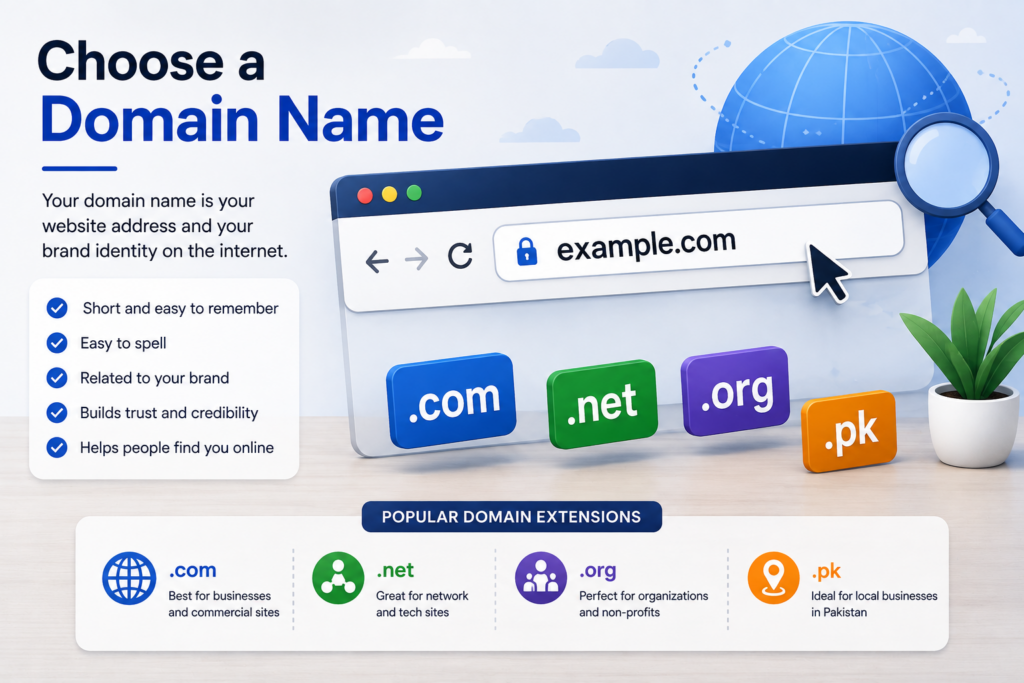
Your domain name is the web address people use to visit your website.
For example:
example.com
A good domain name should be:
- Short and easy to remember
- Easy to spell
- Related to your brand
- Professional
- Easy to pronounce
- Avoid unnecessary numbers and hyphens when possible
If you are building a business website, your domain should ideally match or closely relate to your business name.
After choosing a domain, register it through a reliable domain registrar.
Step 4: Choose Web Hosting
Web hosting is the service that stores your website’s files and makes them available online.
Think of your domain as your website’s address and hosting as the place where your website lives.
When choosing hosting, look for:
- Good performance
- Reliable uptime
- SSL support
- Regular backups
- Security features
- Customer support
- Easy WordPress installation
- Scalable hosting plans
Your hosting choice can affect website speed, reliability, user experience, and overall website performance.
Step 5: Choose the Right Website Platform
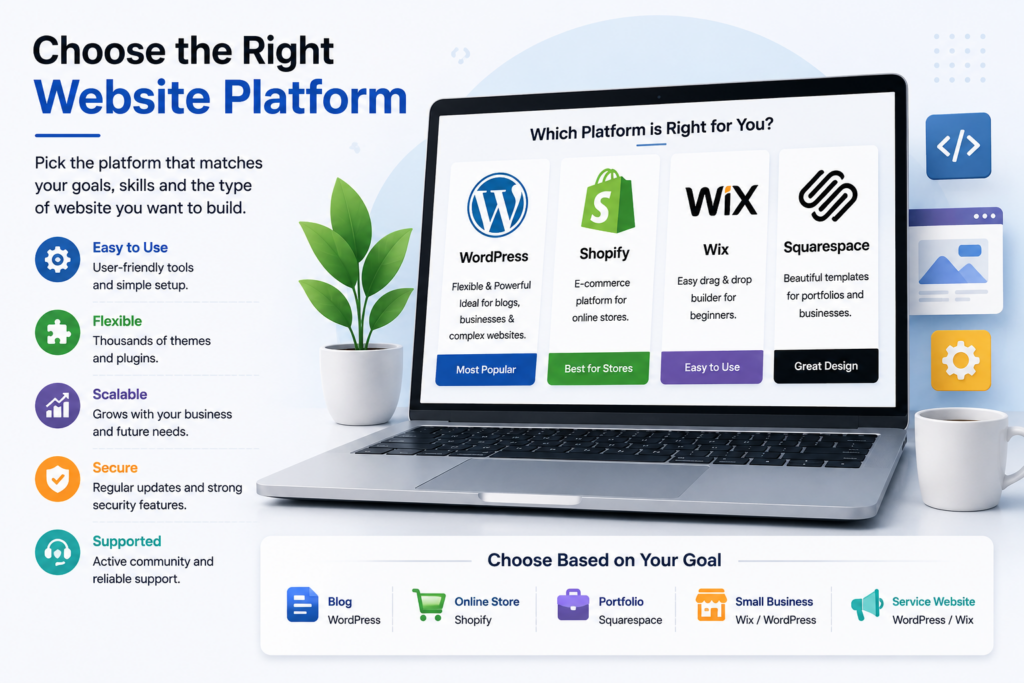
There are several ways to create a website in 2026.
Popular options include:
- WordPress
- Wix
- Shopify
- Squarespace
- Custom-coded websites
The best option depends on your website goals.
WordPress is a flexible choice for business websites, blogs, portfolios, and many other types of websites.
Shopify is mainly focused on e-commerce businesses.
Wix and Squarespace can be useful for people who want visual website-building tools.
For larger or highly customized projects, custom development may be more appropriate.
Do not choose a platform only because it is popular. Choose one that matches your website’s needs, budget, technical requirements, and future growth.
Step 6: Install WordPress
If you choose WordPress, your hosting provider will usually provide an installation option.
After installing WordPress:
- Log in to your WordPress dashboard.
- Go to Settings and review your basic website settings.
- Set your website title and tagline.
- Configure your preferred permalink structure.
- Check your website URL and SSL.
- Create a secure administrator account.
- Update WordPress and installed themes/plugins when required.
Always keep your WordPress installation updated to reduce security and compatibility problems.
Step 7: Choose a Professional Website Design
Your website design should make it easy for visitors to find information.
Choose a clean design that matches your brand.
Pay attention to:
- Logo placement
- Navigation menu
- Typography
- Colors
- Buttons
- Spacing
- Images
- Mobile responsiveness
- Page loading speed
Avoid adding too many animations, pop-ups, colors, or unnecessary elements.
A professional website should look good, but it should also be easy to use.
Step 8: Create the Essential Website Pages
Most business websites need several important pages.
Home Page
Your homepage should quickly explain:
- Who you are
- What you offer
- Who you serve
- Why customers should choose you
- How visitors can contact you
About Page
Explain your company, experience, values, and expertise.
Services or Products Page
Clearly describe the services or products you offer.
Use separate sections or pages when you have multiple important services.
Contact Page
Add an easy way for visitors to contact you.
You can include:
- Contact form
- Phone number
- Business address when appropriate
- Social media profiles
Blog
A blog can help you publish useful content, answer customer questions, and attract visitors from search engines.
Privacy Policy
If your website collects personal information, make sure you have appropriate privacy and legal pages for your target audience and applicable laws.
Step 9: Create Helpful Website Content
Good design alone does not make a successful website.
Your content should answer the questions your target audience is searching for.
Before writing content, identify:
- Your target audience
- Their problems
- Their questions
- Their search intent
- The services or products that solve their problems
Write clear and useful content instead of adding unnecessary words just to make an article longer.
For blog posts, use headings, short paragraphs, lists, examples, images, and internal links to make the content easier to read.
Step 10: Optimize Your Website for SEO
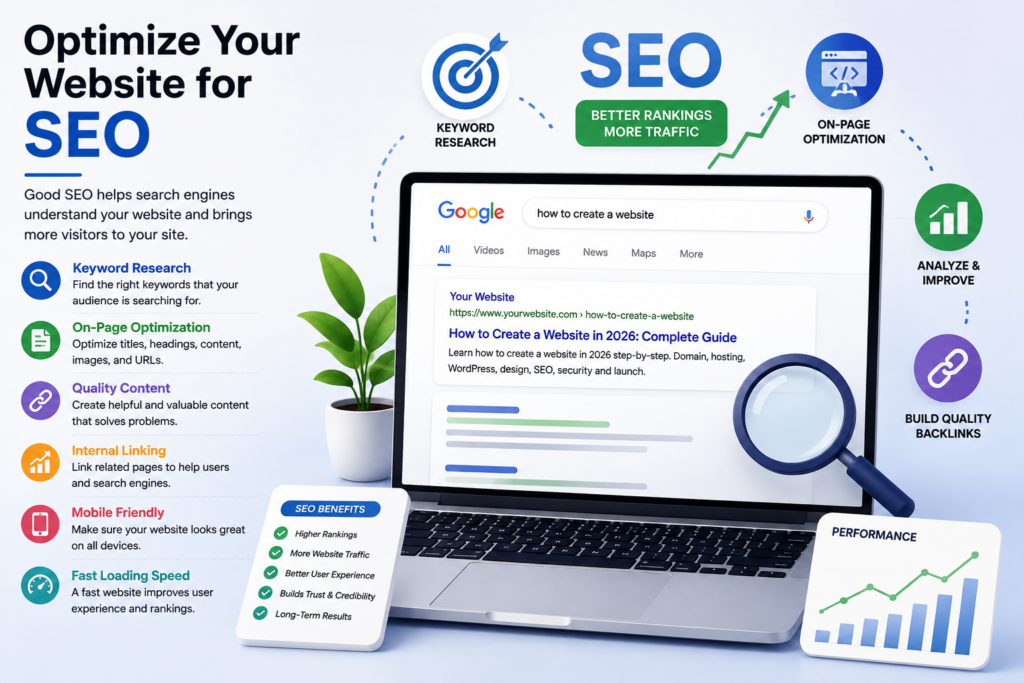
Search engine optimization helps search engines understand your website and can improve its visibility in organic search results.
Start with keyword research.
Choose a primary keyword that matches the search intent of your page.
For example, if your article is about creating a website, a relevant primary keyword could be:
how to create a website
Then optimize the page naturally.
SEO Title
Create a clear title that explains exactly what the page is about.
Example:
How to Create a Website in 2026: Complete Step-by-Step Guide
URL
Keep your URL short and descriptive.
Example:
/how-to-create-a-website/
Headings
Use one clear H1 heading and organize the rest of the content with relevant H2 and H3 headings.
Meta Description
Write a short description that explains what users will learn from the page.
Example:
Learn how to create a website in 2026 with this beginner-friendly guide covering domain, hosting, WordPress, design, SEO, security, and launch.
Internal Links
Link relevant pages and blog posts together.
For example, an article about creating a website could naturally link to related articles about:
- WordPress
- Website speed
- Website security
- SEO
- Web design
Internal linking helps visitors discover more useful content and helps search engines understand the relationship between pages.
Image SEO
Use relevant images and descriptive ALT text.
Instead of:
image123.jpg
use descriptive filenames such as:
how-to-create-a-website.jpg
Your ALT text should accurately describe the image rather than simply repeating keywords.
Step 11: Make Your Website Mobile-Friendly
A large number of visitors use smartphones and tablets to browse websites.
Check your website on:
- Desktop
- Laptop
- Tablet
- Mobile phone
Make sure:
- Text is easy to read
- Buttons are easy to tap
- Menus work correctly
- Images fit the screen
- Forms work properly
- No important content is cut off
A responsive design should provide a good experience across different screen sizes.
Step 12: Improve Website Speed
Website performance is important for user experience.
To improve speed:
- Compress large images
- Use modern image formats when appropriate
- Remove unnecessary plugins
- Use reliable hosting
- Enable caching where appropriate
- Reduce unnecessary scripts
- Keep themes and plugins updated
Test your website regularly and fix pages that load slowly.
Step 13: Secure Your Website
Security should be considered before launching your website.
Basic security practices include:
- Use HTTPS/SSL
- Use a strong administrator password
- Keep WordPress updated
- Keep plugins and themes updated
- Remove unused plugins and themes
- Use regular backups
- Limit unnecessary administrator access
Do not install plugins or themes from untrusted sources.
Step 14: Test Your Website Before Launch
Before publishing your website, check every important part.
Use this checklist:
- Homepage loads correctly
- Navigation menu works
- All important pages are published
- Contact forms work
- Buttons work
- Internal links work
- Images load correctly
- Website works on mobile
- HTTPS is active
- No major spelling or grammar errors
- Pages load properly
- SEO titles and meta descriptions are set
- Important pages can be accessed by visitors
Fix problems before promoting the website.
Step 15: Launch Your Website
Once everything is ready, connect your domain to your hosting and make sure the website is publicly accessible.
After launch:
- Check the live website again.
- Verify important pages.
- Set up Google Search Console.
- Submit your sitemap.
- Monitor indexing.
- Check website performance.
- Continue publishing useful content.
Launching a website is not the end of the process. Regular updates and improvements are important for long-term growth.
How Much Does It Cost to Create a Website in 2026?
The cost depends on the type and size of the website.
Your expenses may include:
- Domain registration
- Web hosting
- Premium theme
- Plugins
- Website development
- Content writing
- SEO
- Maintenance
- E-commerce features
A simple website can cost much less than a large e-commerce website or a fully custom web application.
Before choosing a budget, determine what features your business actually needs.
Common Website Creation Mistakes to Avoid
Avoid these common mistakes when creating a website:
1. Choosing a Domain Without Research
Your domain represents your brand, so choose it carefully.
2. Focusing Only on Design
A beautiful website is not useful if visitors cannot find the information they need.
3. Ignoring Mobile Users
Always test your website on smartphones and tablets.
4. Publishing Thin Content
Create useful content that actually answers visitors’ questions.
5. Ignoring SEO
SEO should be considered during website planning, not only after the website is finished.
6. Installing Too Many Plugins
Only install plugins that you actually need and trust.
7. Forgetting Website Maintenance
Websites need regular updates, backups, security checks, and content improvements.
Website Launch Checklist
Before launching your website, make sure you have completed the following:
- Domain connected
- Hosting configured
- SSL enabled
- WordPress updated
- Website design completed
- Essential pages published
- Navigation tested
- Contact form tested
- Mobile responsiveness checked
- Images optimized
- SEO titles added
- Meta descriptions added
- URLs checked
- Internal links added
- Sitemap configured
- Google Search Console connected
- Website speed tested
- Backups configured
Frequently Asked Questions
Can I create a website without coding?
Yes. Website platforms such as WordPress and visual website builders allow beginners to create many types of websites without writing code.
How long does it take to create a website?
A simple website can be created relatively quickly, while a larger business or e-commerce website can take much longer. The timeline depends on the number of pages, features, design requirements, content, and development work.
Is WordPress good for beginners?
Yes. WordPress is a flexible platform that can be used for blogs, business websites, portfolios, and many other projects. Beginners can use themes and page builders, while developers can customize the platform further.
Do I need SEO when creating a website?
Yes. Basic SEO should be considered from the beginning. Proper website structure, useful content, descriptive URLs, internal links, mobile usability, and technical setup can make it easier for search engines to understand your website.
Can I create an e-commerce website?
Yes. You can create an online store using platforms such as Shopify or WordPress with an e-commerce solution. Your choice should depend on your products, payment requirements, budget, and business goals.
Final Thoughts
Creating a website in 2026 is more accessible than ever, but a successful website requires more than simply putting a few pages online.
Start with a clear goal, choose the right domain and hosting, select a suitable platform, create useful content, build a mobile-friendly design, optimize your website for SEO, and test everything before launch.
After your website goes live, continue improving it by publishing helpful content, monitoring performance, fixing technical issues, and understanding what your visitors need.
If you need professional help with website development, WordPress, SEO, or website optimization, GM Web Solutions can help you build and improve a website designed for your business goals.