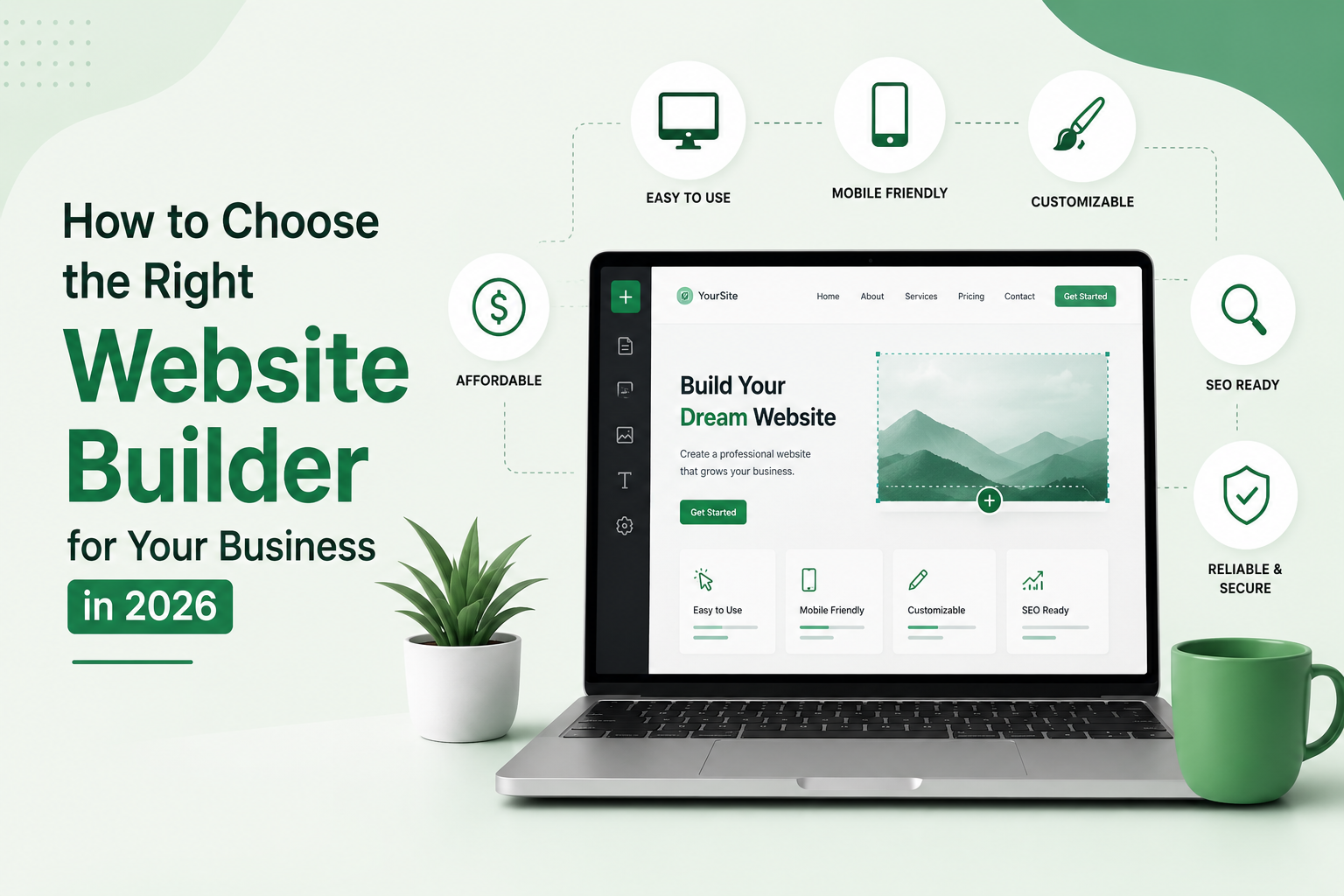
Choosing the right website builder can make a big difference to your business. Your website is often the first place potential customers go to learn about your services, products, brand, and credibility. But with so many website building platforms available in 2026, deciding which one is right for your business can feel overwhelming.
A good website builder should do more than help you create attractive pages. It should make it easy to manage your content, provide a good experience on mobile devices, support search engine optimization (SEO), offer the features your business needs, and give you enough flexibility to grow over time.
Whether you are starting a small business website, an online store, portfolio, service website, or professional blog, choosing the right platform from the beginning can save you time and money later.
In this guide, we will explain the most important factors to consider when choosing a website builder for your business in 2026.
What Is a Website Builder?
A website builder is a platform or tool that allows you to create and manage a website without having to code everything from scratch.
Most modern website builders provide templates, drag-and-drop editors, hosting options, design tools, and integrations. Some also include built-in SEO features, analytics, AI-powered tools, eCommerce functionality, and marketing features.
Popular platforms include WordPress, Wix, Squarespace, Shopify, Webflow, and other specialized website building platforms.
The important thing is not simply choosing the most popular platform. The best website builder is the one that matches your business goals, technical skills, budget, and future plans.
Why Choosing the Right Website Builder Matters
Your website builder affects almost every part of your online presence.
The platform you choose can influence:
- Website performance and loading speed
- Mobile responsiveness
- SEO capabilities
- Design flexibility
- Security and maintenance
- eCommerce functionality
- Content management
- Integrations
- Website costs
- Scalability
For example, a freelancer may only need a simple portfolio website, while an online retailer may require product management, payments, inventory tools, and shipping integrations.
That is why there is no single best website builder for every business. Even major website builder guides emphasize that businesses should consider their website type, features, pricing, and long-term needs before making a decision.
1. Define Your Business Website Goals
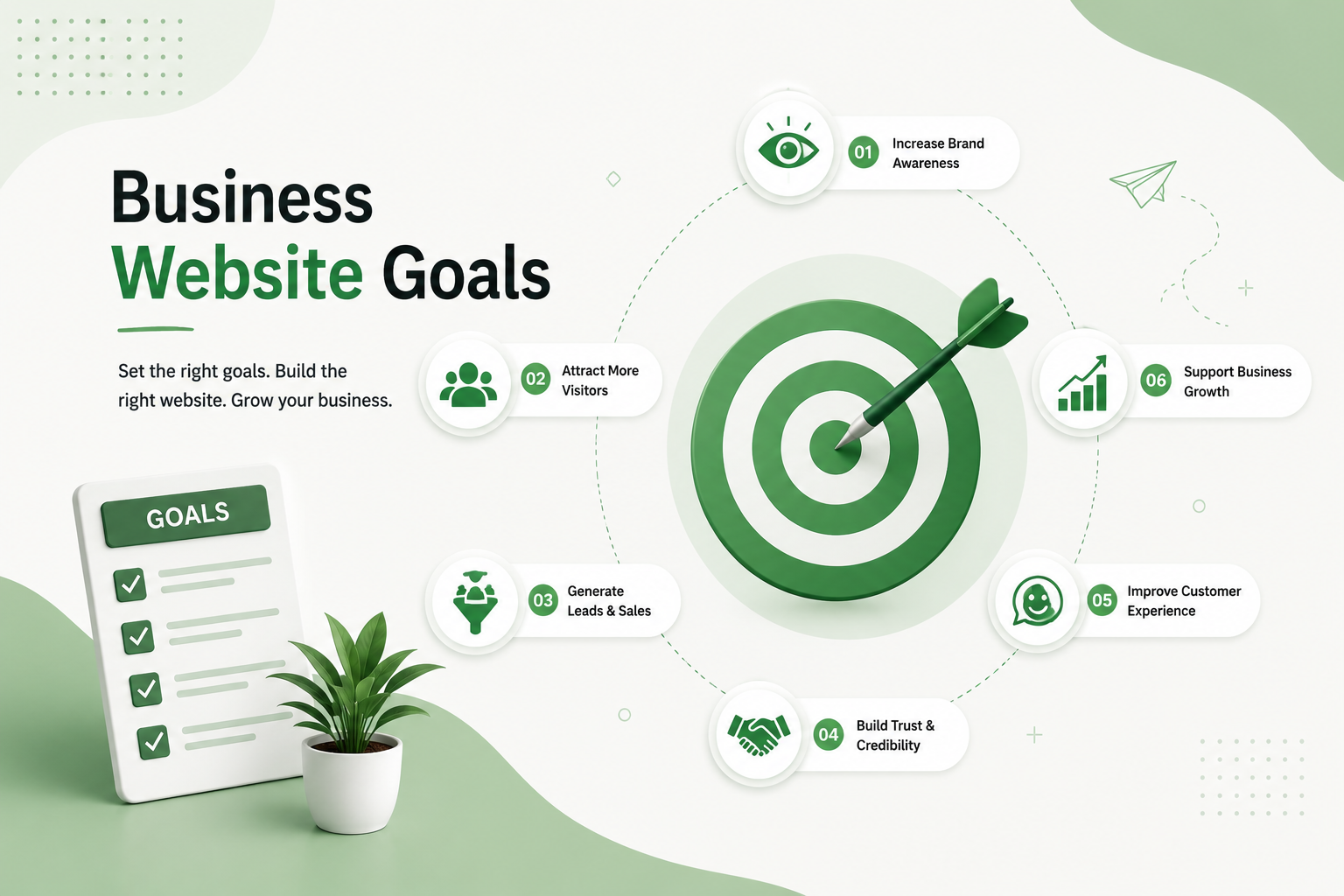
Before comparing website builders, determine what you actually want your website to accomplish.
Ask yourself:
- Do I need a simple business website?
- Do I want to sell products online?
- Do I need a professional portfolio?
- Will I publish blog content regularly?
- Do I need appointment or booking functionality?
- Will I need advanced integrations?
- Do I plan to grow the website in the future?
For example, a local service business may only need Home, About, Services, and Contact pages. An eCommerce business, however, may need product pages, shopping carts, payment gateways, customer accounts, and inventory management.
Defining your goals first makes it much easier to select the right business website builder.
2. Look for an Easy-to-Use Website Builder
If you do not have technical experience, usability should be one of your top priorities.
A good website builder for beginners should provide an intuitive interface, simple navigation, templates, and easy content editing.
Drag-and-drop editors can make it possible to create and customize pages without writing code. However, ease of use should not come at the expense of important features.
Before choosing a platform, check:
- How easy is the editor to use?
- Can you edit pages without technical knowledge?
- Are templates customizable?
- Can you change fonts, colors, layouts, and sections?
- Is content editing straightforward?
A platform that looks impressive but takes hours to understand may not be the best choice for a small business owner who wants to manage the website independently.
3. Check SEO Features
A beautiful website is not very useful if potential customers cannot find it through search engines.
That is why SEO should be an important part of your website builder comparison.
Look for an SEO-friendly website builder that allows you to manage essential optimization elements such as:
- Page titles
- Meta descriptions
- SEO-friendly URLs
- Image alt text
- Headings
- XML sitemaps
- Canonical URLs
- Redirects
- Structured data or schema
- Mobile optimization
- Page performance
The platform should also allow you to create useful content and organize your website properly.
Current 2026 website-builder comparisons increasingly evaluate platforms based on SEO controls, speed, structured data, indexing, and technical flexibility rather than design alone.
4. Make Sure Your Website Is Mobile-Friendly
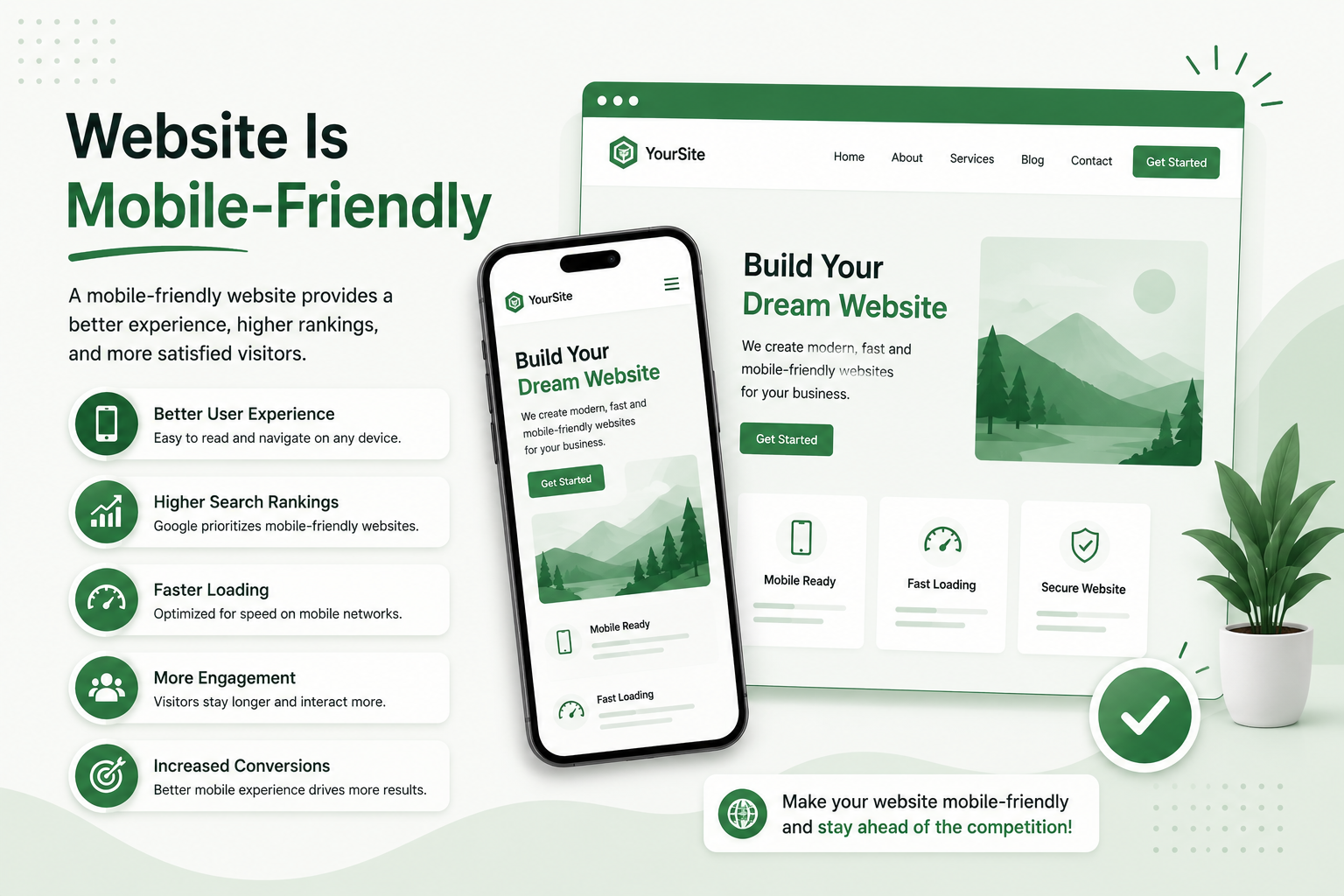
A large percentage of your visitors may access your website from smartphones and tablets.
Your website builder should therefore automatically support responsive design or give you enough control to create a good mobile experience.
Check your website on:
- Smartphones
- Tablets
- Laptops
- Desktop computers
Pay attention to text size, buttons, menus, images, spacing, and page layouts.
A website that looks excellent on desktop but is difficult to use on mobile can create a poor user experience and potentially hurt your business.
5. Compare Website Builder Pricing
Price is another important consideration, but do not choose a platform based only on its cheapest plan.
Many website builders offer free or low-cost plans, but additional costs may include:
- Domain registration
- Hosting
- Premium templates
- Plugins or apps
- eCommerce features
- Payment processing
- Marketing tools
- Premium support
Your actual website cost may therefore be higher than the advertised starting price.
Before selecting a platform, calculate the expected cost for at least one year. Fiverr’s website-builder guide similarly points out that businesses should consider expenses beyond the basic builder plan, including domain, hosting, SSL, themes, integrations, and additional services.
6. Consider Design and Customization Options
Your website should represent your brand.
Look for a website building platform that gives you control over:
- Colors
- Fonts
- Images
- Layouts
- Navigation
- Buttons
- Headers and footers
- Page sections
- Branding elements
Templates are useful because they can speed up the design process, but you should still be able to customize them.
Avoid choosing a platform simply because it has hundreds of templates. What matters is whether those templates can be adapted to your business and whether the final website looks unique and professional.
7. Choose the Right Platform for Your Website Type
Different businesses have different requirements.
Small Business Website
A local service provider usually needs a simple platform that supports professional pages, contact forms, maps, reviews, and basic SEO.
Online Store
If selling products is your main goal, choose an eCommerce website builder with product management, shopping carts, secure checkout, payment options, inventory management, and shipping integrations.
Blog or Content Website
For content-heavy websites, look for strong publishing tools, categories, tags, SEO controls, media management, and a flexible content management system.
Portfolio Website
Designers, photographers, developers, and freelancers may prioritize templates, visual presentation, image galleries, and customization.
Growing Business
If you expect your business to grow quickly, choose a platform that can handle additional pages, visitors, products, integrations, and functionality without requiring a complete rebuild.
8. Check Website Speed and Performance
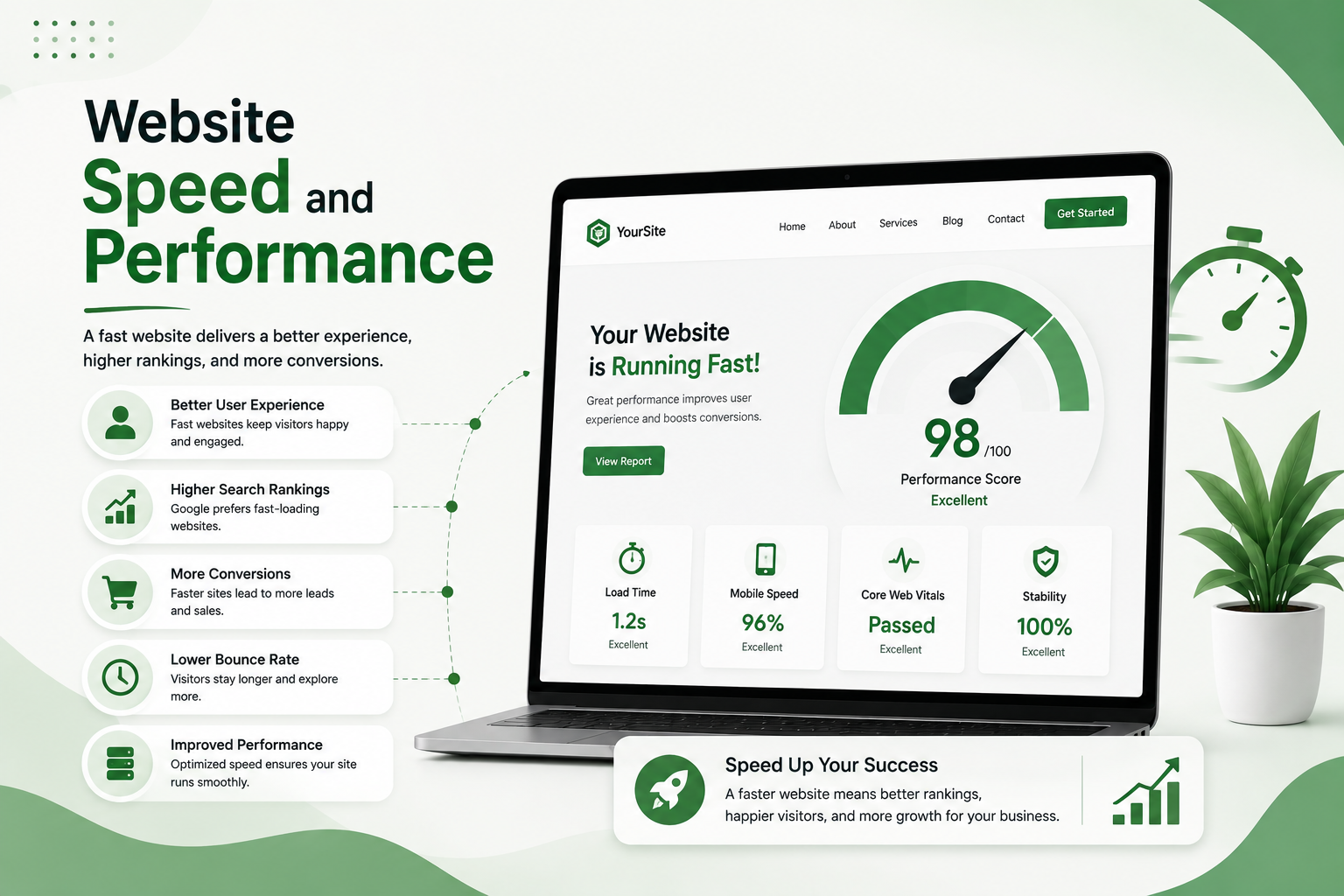
Website performance matters for both visitors and search visibility.
A slow website can frustrate visitors and increase the chance that they leave before taking action.
When evaluating a website builder, look for:
- Fast page loading
- Optimized images
- Mobile performance
- Lightweight templates
- Reliable hosting
- CDN support where appropriate
- Good Core Web Vitals performance
Do not judge performance only from a demo website. Test actual websites built with the platform whenever possible.
9. Think About Scalability
Your website should be able to grow with your business.
You may start with five pages today but need 50 pages, an online store, booking system, blog, or additional integrations later.
Before choosing a website builder, ask:
Can this platform support my business two or three years from now?
Consider whether you can upgrade your plan, add new functionality, create additional content, integrate third-party services, and manage increasing traffic.
Choosing a platform only because it is easy today can create problems when your business expands.
10. Look at AI Website Builder Features
AI has become an important part of website creation in 2026.
Many platforms now use AI to help users generate layouts, write content, create images, customize designs, or build an initial website.
An AI website builder can be useful when you want to create a website quickly, especially if you are starting from scratch.
However, AI should be treated as a starting point rather than a complete replacement for human decision-making.
Always review AI-generated:
- Content
- Images
- Page structure
- Brand messaging
- SEO elements
Your website should still reflect your actual business and customers.
11. Check Integrations and Business Tools
Your website may need to connect with other tools.
Depending on your business, you may need integrations for:
- Email marketing
- CRM
- Analytics
- Social media
- Payment gateways
- Appointment booking
- Live chat
- Forms
- Accounting
- Shipping
- Marketing automation
Before selecting a website builder, make a list of the tools you already use and check whether the platform supports them.
12. Think About Security and Maintenance
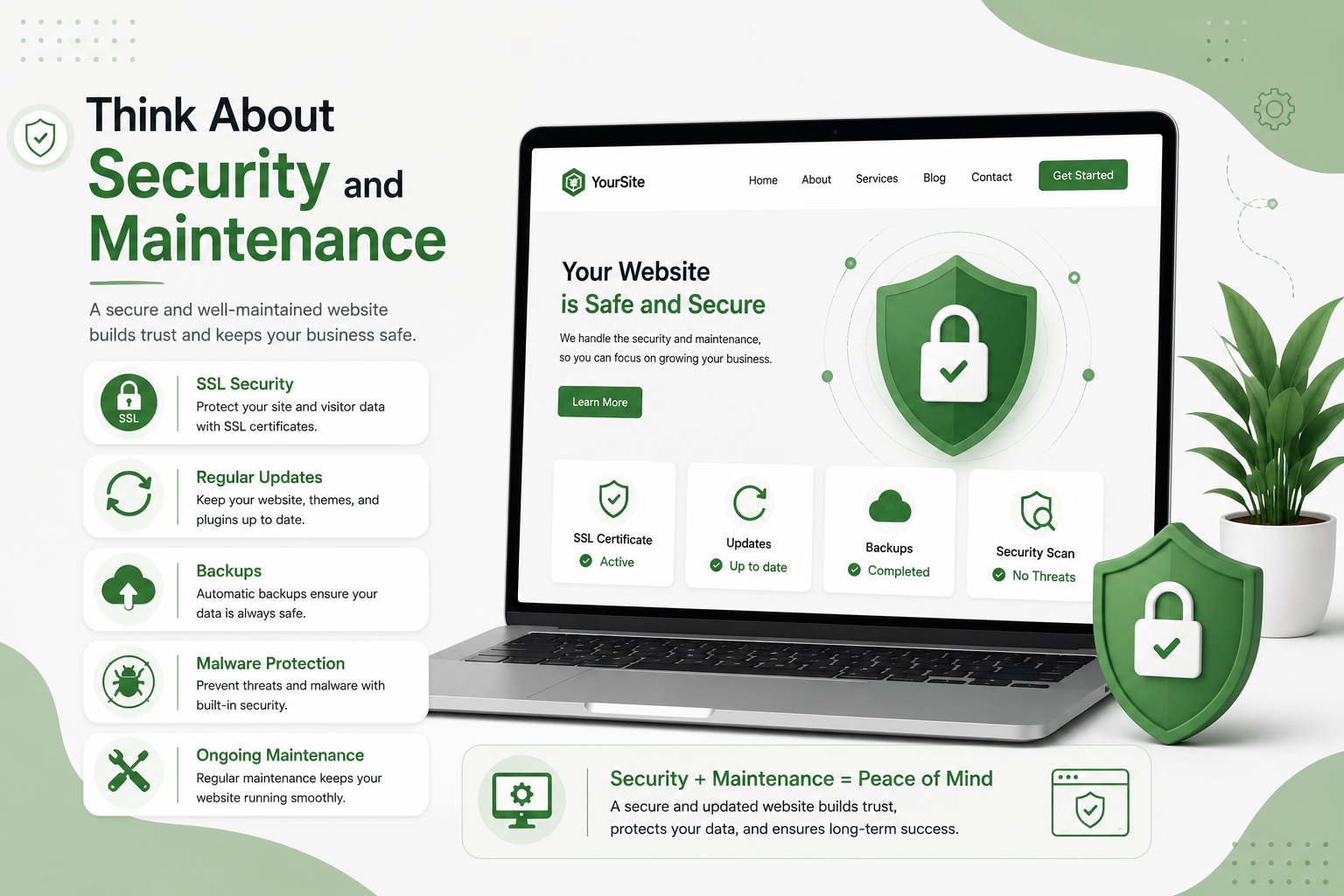
Security should never be an afterthought.
Look for a platform that provides essential security features such as SSL/HTTPS and reliable hosting. You should also understand who is responsible for software updates, backups, security monitoring, and maintenance.
Some hosted website builders handle much of the technical maintenance for you, while other platforms give you more control but may require more hands-on management.
The right choice depends on how much control you want and how comfortable you are managing technical tasks.
13. Consider Customer Support
Even an easy website builder can sometimes cause problems.
Before choosing a platform, check what type of support is available.
Look for:
- Live chat
- Email support
- Knowledge bases
- Tutorials
- Community forums
- Documentation
Good customer support can be particularly valuable for beginners and small businesses that do not have an in-house developer.
Website Builder Comparison: What Should You Prioritize?
Instead of choosing a platform based on popularity alone, compare it using these factors:
| Factor | What to Look For |
|---|---|
| Ease of use | Simple editor and easy content management |
| SEO | Titles, URLs, sitemap, redirects, schema and SEO controls |
| Mobile | Responsive and mobile-friendly designs |
| Performance | Fast loading and optimized pages |
| Design | Professional templates and customization |
| eCommerce | Products, payments, checkout and inventory |
| Pricing | Affordable total cost, not just starting price |
| Scalability | Ability to grow with your business |
| AI tools | Useful AI design and content features |
| Integrations | Compatibility with your essential business tools |
| Security | HTTPS, hosting and reliable maintenance |
| Support | Documentation and customer assistance |
Common Mistakes When Choosing a Website Builder
Many businesses make the same mistakes when selecting a platform.
Choosing Only Based on Price
The cheapest option may not provide the features you need.
Choosing Only Based on Design
A beautiful template does not automatically mean the platform is good for SEO, performance, or growth.
Ignoring SEO
Changing platforms later because your current one lacks important SEO controls can be expensive and time-consuming.
Not Thinking About Future Growth
Your website should support your business as it expands.
Choosing Too Many Features
More features are not always better. If you only need a simple business website, an overly complicated platform may make management harder.
Which Website Builder Is Best for Your Business?
There is no universal answer to which website builder is best.
If you want maximum flexibility and control, a platform such as WordPress can be a strong choice.
If you prioritize simplicity and an easy visual editor, hosted platforms such as Wix or Squarespace may be more suitable.
If your primary goal is selling products online, Shopify and other eCommerce-focused platforms deserve consideration.
If design flexibility and visual development are your priorities, Webflow may be worth exploring.
The best choice ultimately depends on your business model, budget, technical skills, SEO requirements, and growth plans.
Current website-builder comparisons also show that different platforms excel in different areas: some prioritize ease of use, others eCommerce, design, SEO control, or value.
Final Thoughts
Choosing the right website builder is an important business decision. Instead of asking which platform is the most popular, ask which one can help you achieve your specific goals.
Start by defining your website’s purpose, then compare ease of use, SEO features, mobile responsiveness, performance, pricing, customization, security, integrations, and scalability.
If you are building a website for a small business, do not focus only on creating something that looks good. Your website should also be easy to manage, discoverable in search engines, fast on different devices, and capable of supporting your business as it grows.
Take the time to compare your options before committing. The right business website builder can give you a strong foundation for your online presence and save you from expensive changes later.
Frequently Asked Questions
What is the best website builder for a small business?
The best website builder depends on your business needs. A small service business may prioritize ease of use and SEO, while an online store needs strong eCommerce functionality.
Which website builder is best for SEO?
Look for a platform that gives you control over important SEO elements such as page titles, meta descriptions, URLs, redirects, structured data, sitemaps, mobile optimization, and performance.
Is an AI website builder worth using in 2026?
Yes. AI website builders can speed up the initial design and content process. However, businesses should review and customize AI-generated content and designs before publishing.
How much does a website builder cost?
Costs vary by platform and requirements. In addition to the builder subscription, you may need to pay for a domain, hosting, premium templates, apps, eCommerce features, and other services.
Can I change my website builder later?
Yes, but moving a website can require transferring content, design, domains, URLs, and other data. It is therefore better to choose a scalable platform from the beginning.
Should I choose a free website builder?
A free website builder can be useful for testing an idea or creating a basic project. For a professional business website, however, a paid plan may provide a custom domain, additional features, better branding, and more control.