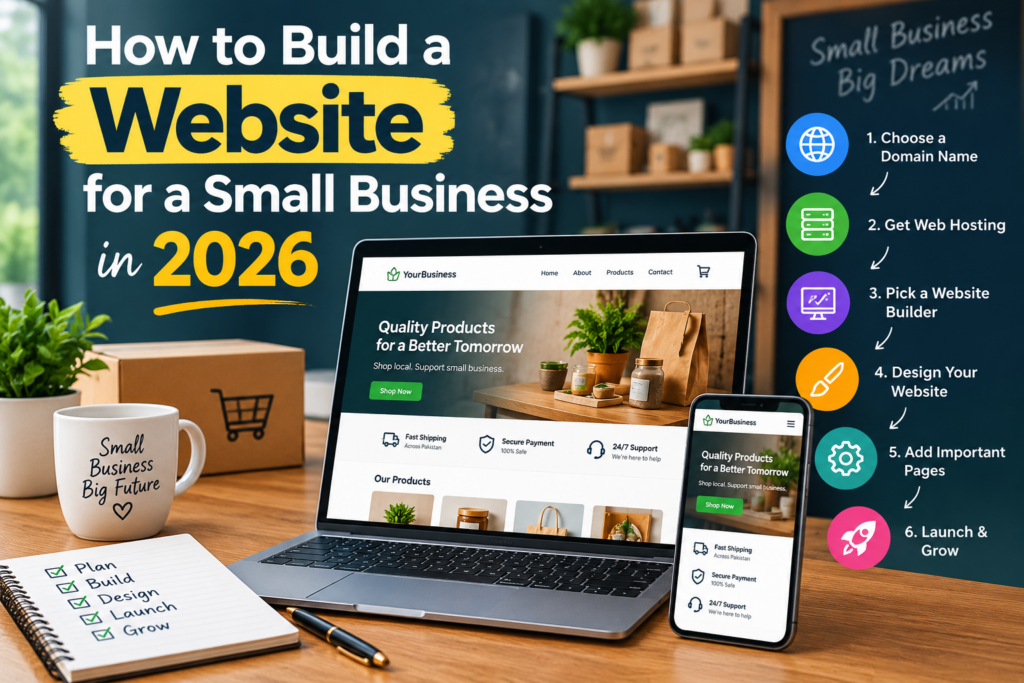
If you are wondering how to build a website for a small business, you are taking an important step toward growing your business online. Learning how to build a website for a small business can help you create a professional online presence, reach more customers, generate leads, and build trust. Whether you own a local shop, service company, agency, restaurant, salon, or startup, a well-planned small business website can work for your business 24/7.
The good news is that you do not need to be an expert developer to learn how to build a website for a small business. With the right website platform, domain, hosting, content, design, and SEO strategy, you can create a website that looks professional and helps your business grow.
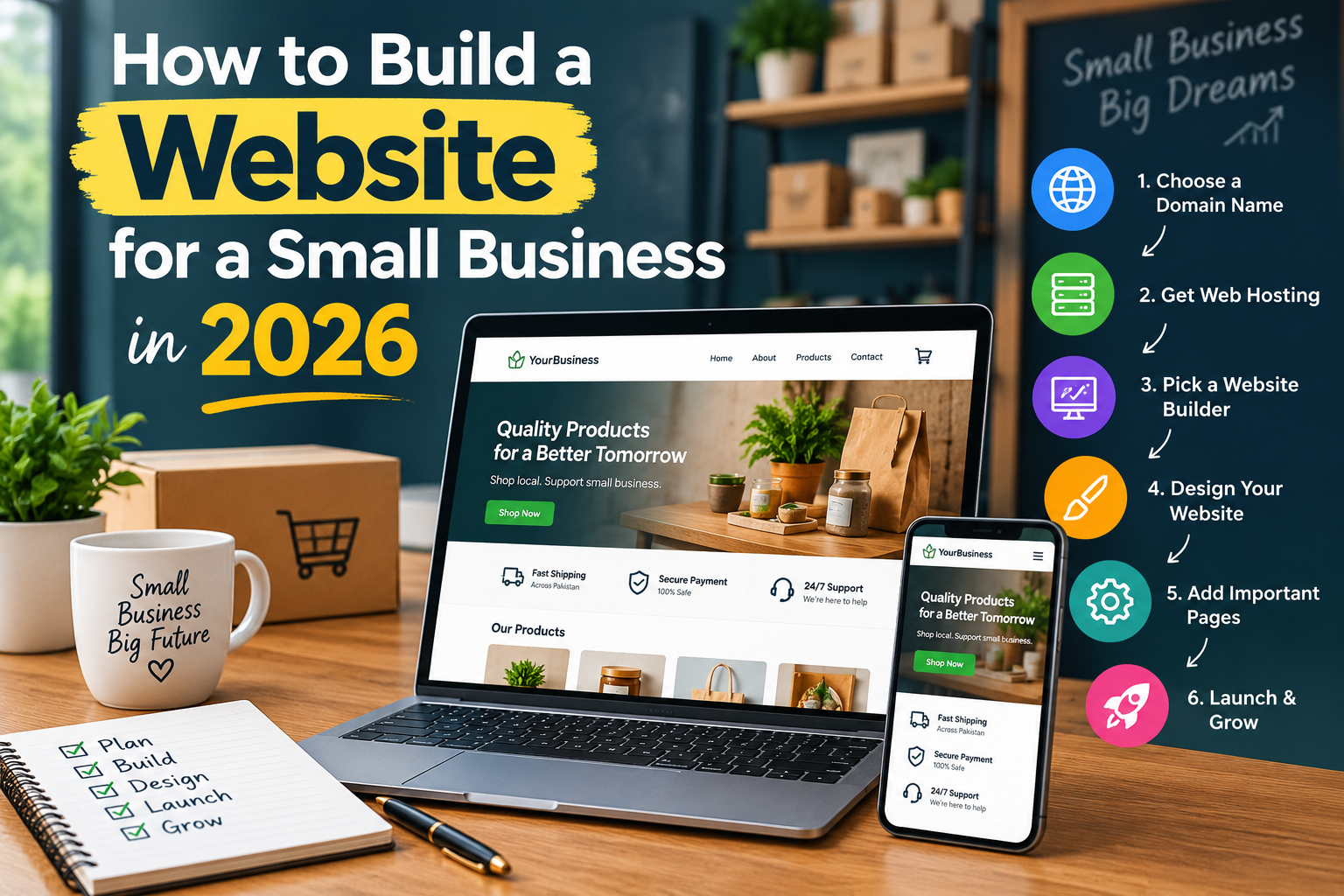
In this guide, we will explain how to build a website for a small business step by step, from choosing your domain name and hosting to designing your pages, optimizing your content, improving SEO, and launching your website.
Why Learn How to Build a Website for a Small Business?
A website gives your business a professional online home. While social media platforms can help you connect with customers, your website gives you more control over your brand, content, and customer experience.
Understanding how to build a website for a small business can help you create a platform where customers can:
- Learn about your business
- Find your products or services
- Contact you
- Request a quote
- Book an appointment
- Read customer reviews
- Purchase products
- Find your physical location
A professional business website can also help you appear in Google search results when potential customers search for your services.
1. Define Your Goals Before You Build a Small Business Website
The first step in learning how to build a website for a small business is deciding what you want your website to accomplish.
Ask yourself:
- Who are my target customers?
- What products or services do I provide?
- Do I want more phone calls?
- Do I want more contact-form submissions?
- Do I want to sell products online?
- Do I want customers to book appointments?
- Do I want to generate leads from Google?
Your answers will determine your website structure, content, design, and functionality.
For example, a local plumber may need a simple service website with phone and quote buttons, while an online store may need product pages, a shopping cart, and secure checkout.
2. Choose a Memorable Domain Name
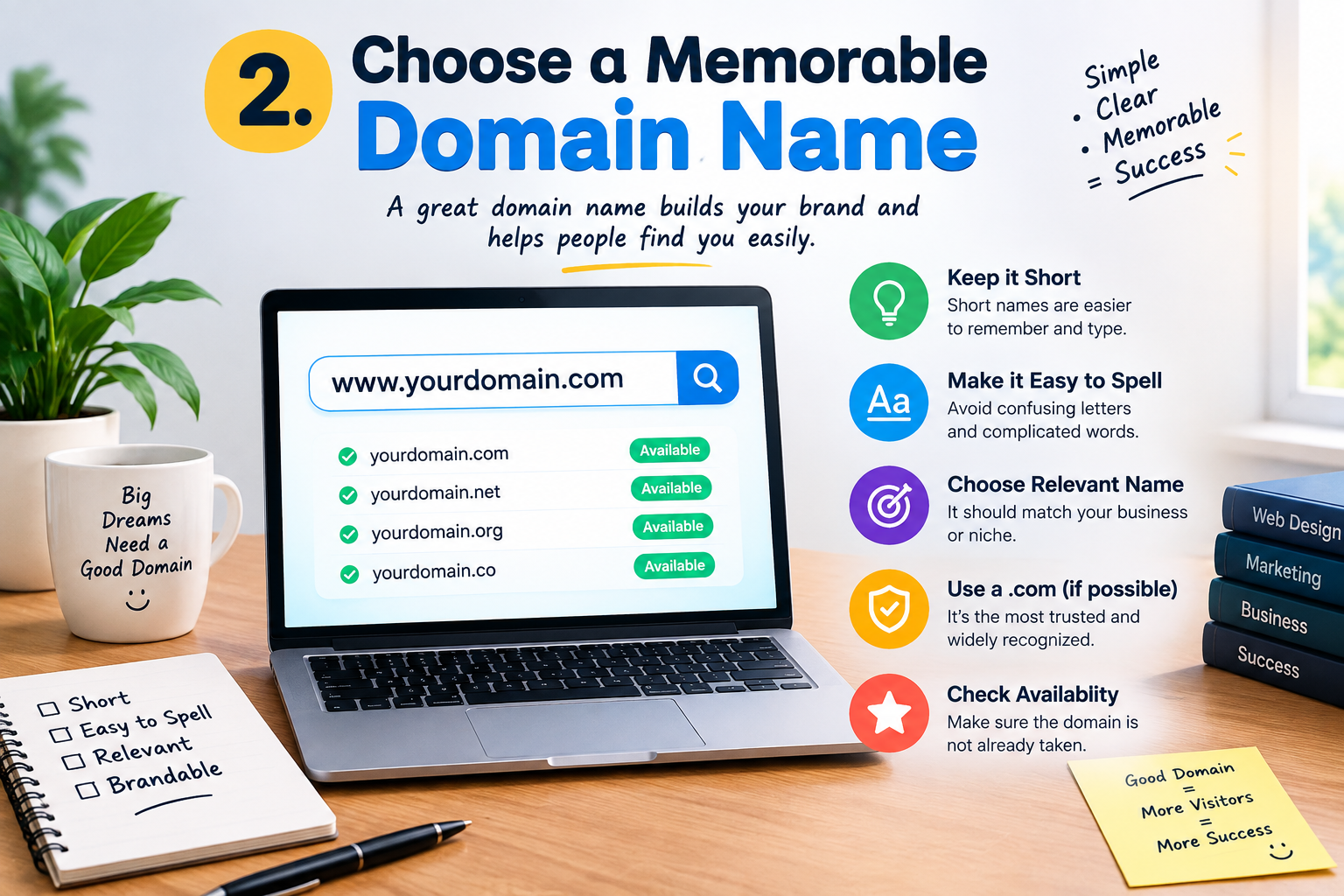
When learning how to build a website for a small business, choosing the right domain name is an important step.
Your domain is the web address customers use to find your business.
A good domain name should be:
- Short
- Easy to remember
- Easy to spell
- Professional
- Relevant to your business
- Easy to pronounce
For example, if your company is called Green Leaf Landscaping, a domain such as GreenLeafLandscaping.com may be easier for customers to remember.
Avoid using complicated spellings, unnecessary numbers, or very long domain names.
3. Choose Reliable Web Hosting
The next step in understanding how to build a website for a small business is choosing reliable web hosting.
Web hosting stores your website files and makes them available to visitors whenever they enter your domain name.
When choosing a hosting provider, consider:
- Website speed
- Server reliability
- SSL certificate
- Security features
- Regular backups
- Customer support
- CDN availability
- WordPress compatibility
Cheap hosting may seem attractive, but unreliable hosting can cause slow loading times and downtime.
A reliable hosting provider gives your small business website a strong technical foundation.
4. Select the Right Website Builder or Platform
One of the biggest decisions when learning how to build a website for a small business is choosing the right platform.
Popular options include:
- WordPress
- Website builders
- Shopify
- Custom website development
WordPress is a popular choice for small businesses because it is flexible, customizable, and supports thousands of themes and plugins.
If you are unsure which platform is right for you, read our guide on how to choose the right website builder.
The best platform should allow you to:
- Add and edit pages
- Publish blog posts
- Improve SEO
- Add useful features
- Optimize for mobile
- Scale your website as your business grows
5. Plan Your Small Business Website Structure
Before designing your website, create a simple structure.
Most small businesses need the following pages:
Homepage
Your homepage should quickly tell visitors who you are, what you offer, and why they should choose your business.
About Page
Explain your company, experience, team, values, and story.
Services or Products Page
Describe your services or products and explain their benefits.
Contact Page
Give visitors an easy way to contact you through phone, email, forms, or location information.
Blog
A blog allows you to publish useful information and target additional search keywords.
FAQ Page
An FAQ page can answer common customer questions and make it easier for visitors to understand your services.
Depending on your business, you may also need:
- Pricing page
- Portfolio
- Testimonials
- Case studies
- Booking page
- Location pages
- Product pages
Planning these pages before you start building makes how to build a website for a small business much easier.
6. Create Professional Website Design
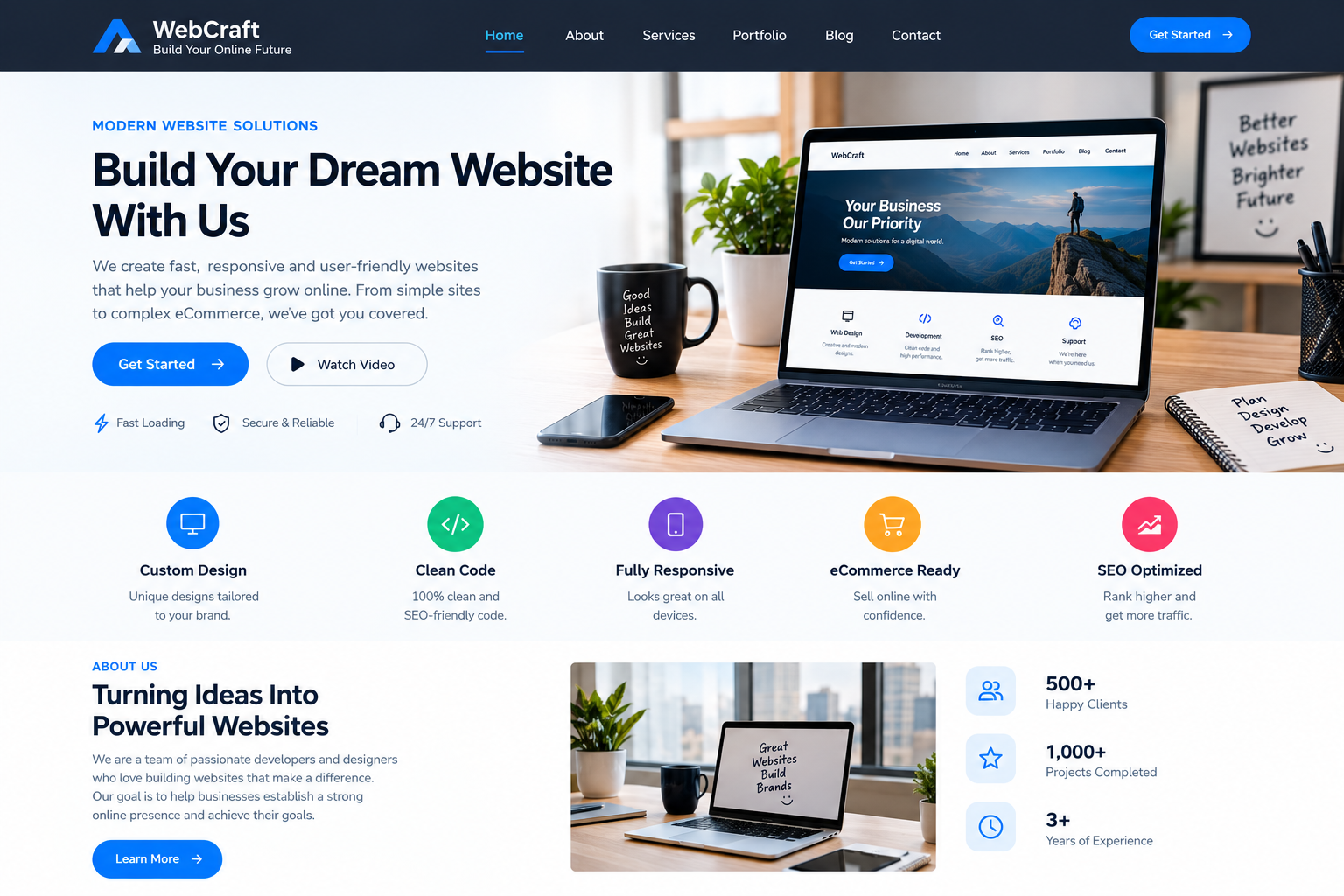
Good website design should make your website attractive, useful, and easy to navigate.
When learning how to build a website for a small business, focus on simplicity rather than adding too many animations or design elements.
Your website should have:
- Clear navigation
- Readable fonts
- Consistent colors
- Professional images
- Strong headings
- Enough white space
- Clear calls to action
- Simple layouts
Your visitors should understand what your business does within a few seconds of arriving on your homepage.
Build a Strong Homepage
A simple homepage structure can be:
Hero Section → Benefits → Services → About → Testimonials → CTA → Contact
Your hero section should clearly explain your main offer.
For example:
Professional Website Design for Growing Small Businesses
Then add a clear button such as:
Get a Free Quote
This makes it easier for visitors to understand what you offer and what action they should take.
7. Make Your Website Mobile-Friendly
A modern small business website must work properly on smartphones, tablets, laptops, and desktop computers.
When learning how to build a website for a small business, do not focus only on desktop design.
Check your website on mobile devices and test:
- Font sizes
- Buttons
- Navigation menus
- Images
- Contact forms
- Page spacing
- Loading speed
A mobile-friendly website allows visitors to read your content and complete important actions without zooming or struggling with the layout.
8. Create Helpful and SEO-Friendly Content
Content is one of the most important parts of learning how to build a website for a small business.
A professional website should clearly explain what you offer and how your products or services can solve customer problems.
For every important service page, explain:
- What the service is
- Who needs it
- What benefits it provides
- How your process works
- Why customers should choose you
- How customers can contact you
Use Relevant Keywords
Your website content should target keywords your potential customers actually search for.
For example, a web design company could target:
- small business website
- website design services
- professional website design
- WordPress website design
- website development services
- affordable website design
- business website design
- website SEO services
Use these keywords naturally throughout your website rather than repeating the same phrase excessively.
9. Optimize Your Website for SEO
Learning how to build a website for a small business is only part of the process. You also need to make sure people can find your website through search engines.
This is where website SEO becomes important.
Optimize your pages for relevant keywords and search intent.
Important SEO elements include:
- SEO title
- Meta description
- H1 heading
- H2 and H3 headings
- URL
- Website content
- Image alt text
- Internal links
- External links
- Page speed
If you are using WordPress, SEO plugins can make optimization easier. You can also read our guide on 10 Best WordPress SEO Plugins in 2026 to learn more.
10. Improve Website Speed and Performance
A fast website provides a better user experience.
When learning how to build a website for a small business, website performance should not be ignored.
To improve your website speed:
- Compress images
- Use WebP images
- Enable caching
- Use reliable hosting
- Remove unnecessary plugins
- Use a CDN when appropriate
- Optimize CSS and JavaScript
- Keep your website software updated
Large images and unnecessary plugins can make a website slow.
A fast business website can provide a smoother experience and help visitors stay on your site longer.
11. Add Trust Signals and Strong Calls to Action
A website should not only provide information. It should encourage visitors to become customers.
When learning how to build a website for a small business, add clear conversion elements such as:
- Get a Free Quote
- Contact Us
- Book a Consultation
- Call Now
- Shop Now
- Request a Callback
You can also build trust by adding:
- Customer testimonials
- Google reviews
- Client logos
- Certifications
- Case studies
- Portfolio examples
- Guarantees where appropriate
Instead of using a generic button such as “Click Here,” use a specific action such as Get Your Free Consultation.
12. Secure Your Small Business Website
Security is another important part of learning how to build a website for a small business.
At minimum, your website should have:
- HTTPS and SSL
- Strong passwords
- Regular backups
- Updated plugins
- Updated themes
- Secure hosting
- Security monitoring
If you collect customer information, make sure your website uses secure forms and follows applicable privacy requirements.
For ecommerce websites, use trusted payment systems and secure checkout features.
How to Build an Ecommerce Website for a Small Business
If your business sells products, you may need an ecommerce website.
An online store usually requires:
- Product categories
- Product pages
- High-quality product images
- Product descriptions
- Shopping cart
- Checkout
- Payment gateway
- Shipping information
- Return policy
- Customer support
Each product page should be optimized for customers and search engines.
Use descriptive product titles, helpful descriptions, relevant keywords, high-quality images, and clear calls to action.
How to Build a Website for a Local Small Business
If your business serves a specific city or region, local SEO can help you reach nearby customers.
When learning how to build a website for a small business that serves a local market, include:
- Business name
- Address
- Phone number
- Service areas
- Location pages
- Customer reviews
- Local business information
For example, instead of targeting only “web design services,” a local company could target a phrase such as “web design services in Lahore” if it genuinely serves customers there.
Keep your business information accurate and consistent across your website and other online platforms.
How Much Does It Cost to Build a Small Business Website?
The cost depends on the size and complexity of your website.
Common expenses include:
| Website Expense | What It Covers |
|---|---|
| Domain | Website address |
| Hosting | Website server |
| Theme | Design foundation |
| Plugins | Extra functionality |
| Content | Website text and images |
| SEO | Search optimization |
| Development | Custom functionality |
| Maintenance | Updates and security |
A simple business website can be relatively affordable, while a large ecommerce website or custom platform may cost significantly more.
Instead of choosing the cheapest option, focus on getting the features and performance your business actually needs.
Should You Build the Website Yourself or Hire a Professional?
If you are learning how to build a website for a small business, you may wonder whether you should do it yourself or hire a professional.
A DIY website can be a good option if:
- Your budget is limited
- Your website is simple
- You have enough time
- You enjoy learning new technology
Hiring a professional can be a better option if you need:
- Custom website design
- WordPress development
- Ecommerce functionality
- SEO optimization
- Professional content
- Speed optimization
- Website maintenance
A professional can save you time and help prevent technical and SEO mistakes.
Small Business Website Launch Checklist
Before launching your website, check everything carefully.
Content Checklist
- Check spelling and grammar
- Review service descriptions
- Check business information
- Add testimonials
- Check contact details
Design Checklist
- Test desktop layout
- Test mobile layout
- Check navigation
- Test buttons
- Review fonts and spacing
SEO Checklist
- Add SEO titles
- Write meta descriptions
- Optimize headings
- Add image alt text
- Check URLs
- Add internal links
- Connect Google Search Console
Technical Checklist
- Confirm HTTPS
- Test contact forms
- Test important links
- Check page speed
- Create a backup
- Update plugins and themes
What Should You Do After Launch?
Knowing how to build a website for a small business does not mean your work ends after pressing the publish button.
After launching, continue to:
- Publish helpful blog posts
- Monitor Google Search Console
- Check website analytics
- Update old content
- Improve slow pages
- Fix broken links
- Collect customer reviews
- Update products and services
- Build relevant backlinks
SEO is an ongoing process. Your website can become more valuable as you publish useful content and improve the user experience.
Final Thoughts
Learning how to build a website for a small business is much easier when you follow a clear process. Start by defining your business goals, choosing a memorable domain, selecting reliable hosting, and picking the right website platform.
Next, create essential pages, focus on professional website design, write helpful content, optimize your site for search engines, and make sure it works perfectly on mobile devices.
Do not forget website speed, security, internal linking, local SEO, and clear calls to action.
Most importantly, remember that how to build a website for a small business is not just about creating attractive pages. Your website should help customers find your business, understand your services, trust your brand, and take action.
With the right strategy and consistent optimization, your small business website can become one of your most valuable digital marketing assets and help your business attract more customers in 2026 and beyond.