If you want more people to find your website through Google, choosing one of the best WordPress SEO plugins can make the optimization process much easier. A good SEO plugin helps you manage important tasks such as SEO titles, meta descriptions, XML sitemaps, schema markup, redirects, and on-page optimization without needing advanced technical knowledge. With so many options available, however, it can be difficult to know which SEO plugin for WordPress is right for your website.
In this guide, we compare 10 popular WordPress SEO plugins in 2026 and explain what each one is best suited for. Whether you run a blog, business website, online store, or personal website, you can use this list to find an option that fits your needs.
Quick Comparison of the Best WordPress SEO Plugins
| Plugin | Best For | Free Version |
|---|---|---|
| Rank Math | Overall SEO | Yes |
| Yoast SEO | Beginners & bloggers | Yes |
| AIOSEO | Business websites | Yes |
| SEOPress | Advanced users | Yes |
| The SEO Framework | Lightweight SEO | Yes |
| Slim SEO | Simple websites | Yes |
| Squirrly SEO | Content & AI SEO | Yes |
| SmartCrawl | Technical SEO | Yes |
| SureRank | Beginners | Yes |
| Redirection | Redirect management | Yes |
What Is a WordPress SEO Plugin?
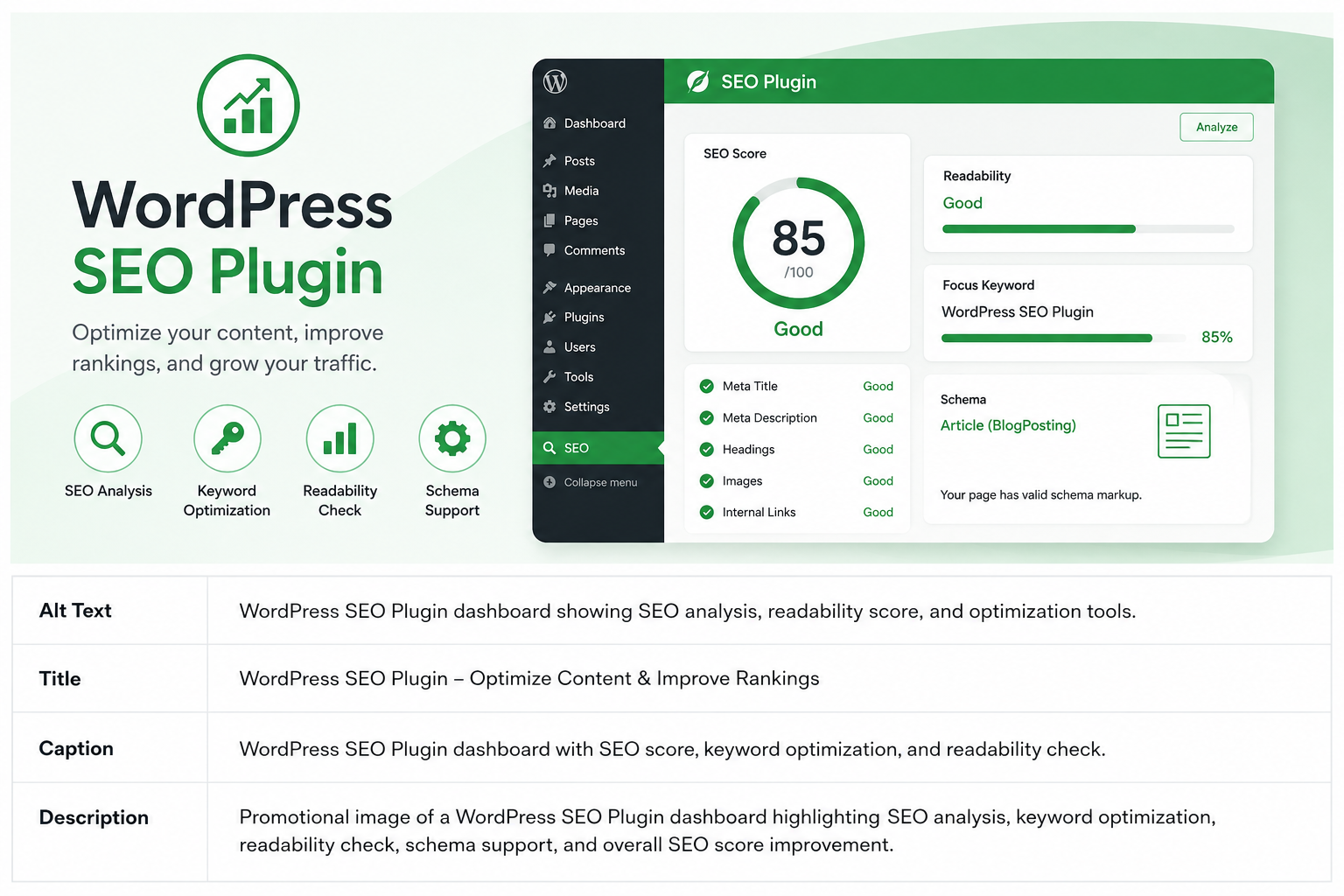
A WordPress SEO plugin is a tool that adds search engine optimization features to your WordPress website. It allows you to manage many SEO settings directly from your WordPress dashboard instead of handling them manually.
Depending on the plugin, you can use it to:
- Optimize SEO titles and meta descriptions
- Create XML sitemaps
- Add schema markup
- Manage canonical URLs
- Control indexing settings
- Create redirects
- Monitor 404 errors
- Improve on-page SEO
- Manage social media previews
An SEO plugin can simplify your SEO work, but it does not guarantee higher Google rankings. Content quality, keyword research, backlinks, website speed, search intent, and technical SEO are also important.
1. Rank Math — Best for Overall SEO
Rank Math is one of the most popular choices when looking for the best SEO plugin for WordPress. It combines many SEO tools into one dashboard, making it possible to manage both basic and advanced optimization from a single plugin.
Its setup wizard is useful for beginners, while experienced users can access more detailed settings when needed.
Main Features
- SEO titles and meta descriptions
- XML sitemaps
- Schema markup
- 404 monitoring
- Redirect management
- Google Search Console integration
- Image SEO
- Local SEO
- WooCommerce SEO
- Keyword optimization
Rank Math is especially useful if you want many SEO features without installing several separate plugins.
Best for: Bloggers, business websites, agencies, and users who want a feature-rich SEO solution.
2. Yoast SEO — Best for Beginners
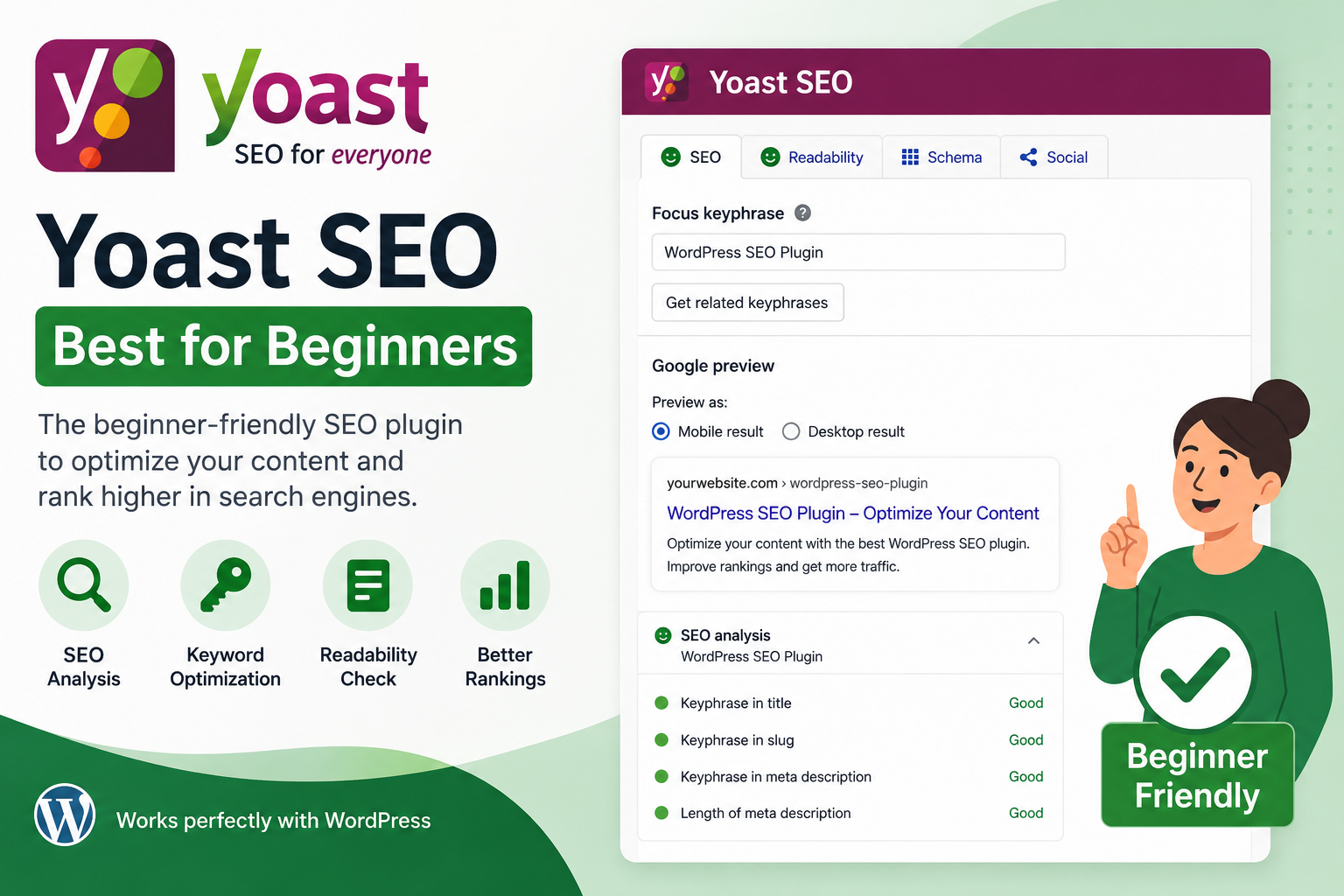
Yoast SEO is one of the most established SEO plugins for WordPress. It is particularly popular with bloggers and content writers because it provides suggestions while you are creating your content.
Its readability and SEO analysis can help beginners understand basic on-page optimization.
Main Features
- SEO analysis
- Readability analysis
- Meta title and description controls
- XML sitemaps
- Schema
- Canonical URLs
- Breadcrumbs
- Social previews
If you regularly publish articles, Yoast can make it easier to review important SEO elements before publishing.
Best for: Beginners, bloggers, and content-focused websites.
3. AIOSEO — Best for Business Websites
AIOSEO, short for All in One SEO, is another popular WordPress plugin for SEO. It provides tools for both on-page and technical SEO and can be used on different types of websites.
Businesses can benefit from features such as local SEO, while online stores can use its WooCommerce-related functionality.
Main Features
- SEO audit
- Meta titles and descriptions
- XML and RSS sitemaps
- Schema markup
- Local SEO
- WooCommerce SEO
- Redirect management
- Social media integration
- Google Search Console integration
AIOSEO is a practical choice if you want to manage several areas of SEO from one dashboard.
Best for: Business websites, online stores, bloggers, and growing websites.
4. SEOPress — Best for Flexible SEO Settings
SEOPress is a flexible SEO plugin that gives users control over many important optimization settings.
It covers common SEO requirements while also providing advanced options for schema, sitemaps, redirects, breadcrumbs, and social metadata.
Main Features
- Meta title and description management
- XML and HTML sitemaps
- Schema markup
- Breadcrumbs
- Redirects
- Social metadata
- Analytics integration
- WooCommerce SEO
SEOPress can be a good choice if you already understand basic SEO and want greater control over your website.
Best for: Experienced bloggers, developers, agencies, and advanced WordPress users.
5. The SEO Framework — Best for Lightweight SEO
If you prefer a simple WordPress setup, The SEO Framework is worth considering.
Rather than providing endless recommendations and settings, it focuses more on automation. It can handle several common SEO tasks while keeping your dashboard relatively clean.
Main Features
- Automatic meta tags
- XML sitemap
- Canonical URLs
- Schema support
- Breadcrumbs
- Indexing controls
- SEO automation
This approach can be useful if you want your WordPress SEO tools to work mostly in the background.
Best for: Performance-focused websites, developers, and users who prefer automation.
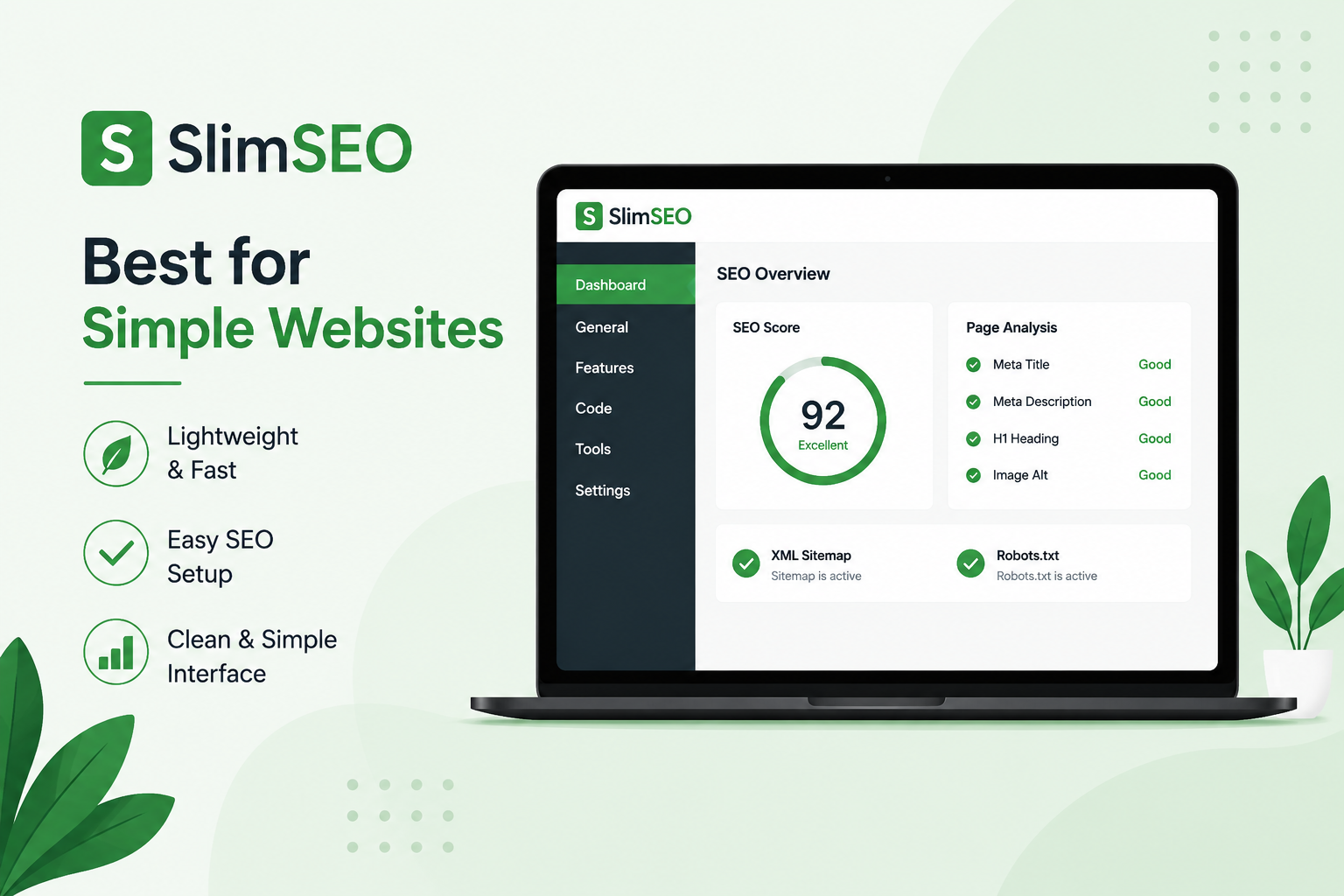
6. Slim SEO — Best for Simple Websites
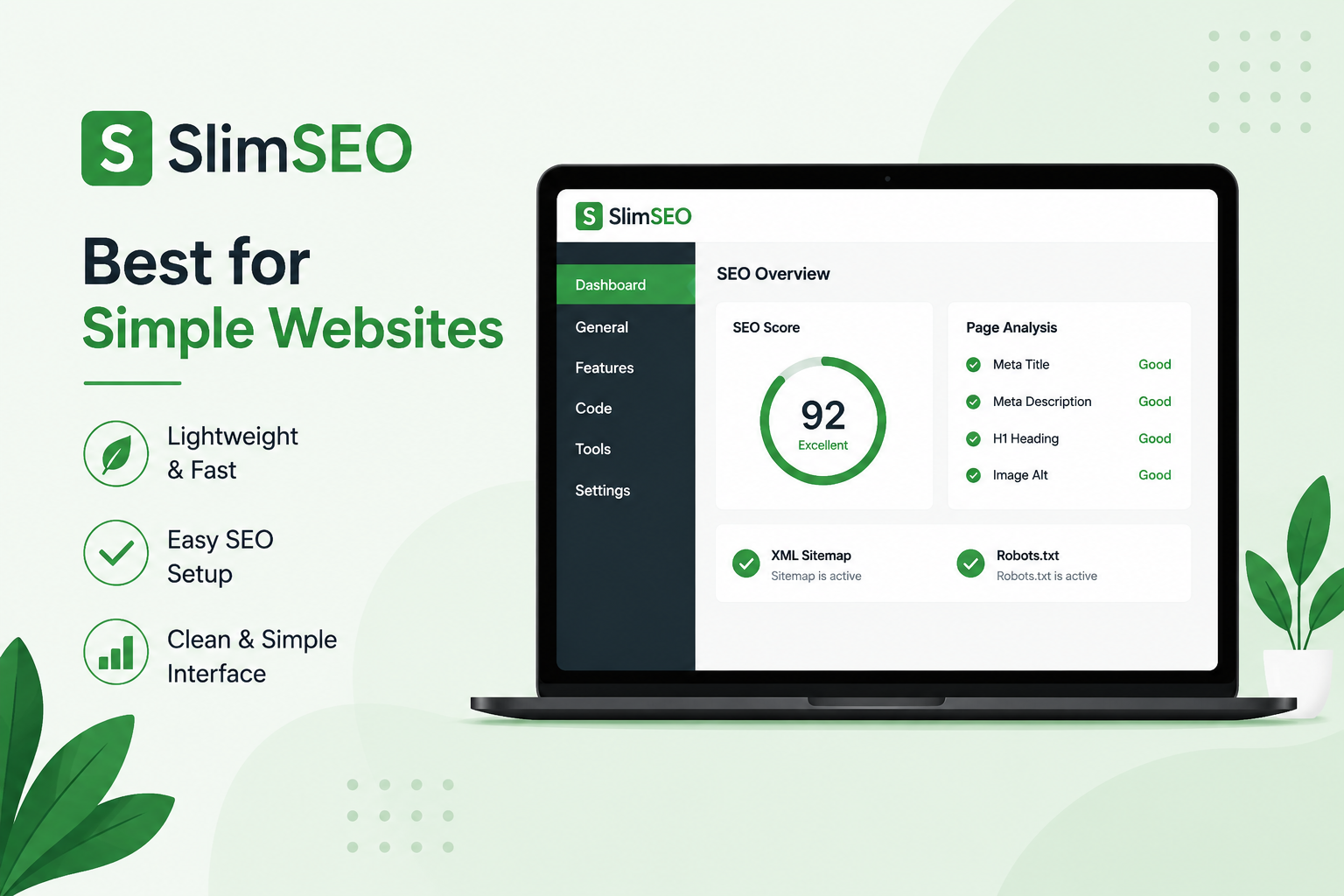
Slim SEO takes a straightforward approach to website optimization. It is designed for people who want essential SEO features without spending a lot of time configuring their plugin.
If you are searching for free WordPress SEO plugins, Slim SEO is worth considering for smaller websites.
Main Features
- Automatic meta tags
- XML sitemap
- Schema
- Breadcrumbs
- Image SEO
- Redirect support
Its simple setup can be particularly helpful if you are new to WordPress SEO.
Best for: Beginners, small websites, and simple blogs.
7. Squirrly SEO — Best for Content and AI Assistance
Squirrly SEO combines traditional SEO features with keyword research and AI-assisted tools.
For content creators, this can be useful because successful SEO is not only about technical settings. Finding relevant keywords and creating content that matches search intent are equally important.
Main Features
- Keyword research
- Content optimization
- AI-assisted SEO
- SEO audits
- Rank tracking
- Google Search Console integration
If you want extra guidance while planning and optimizing blog posts, Squirrly SEO provides a different approach.
Best for: Bloggers, content creators, and marketers.
8. SmartCrawl — Best for Technical SEO
SmartCrawl focuses on several technical and on-page optimization tasks.
It provides tools for SEO audits, metadata, schema, redirects, sitemaps, and social media settings.
For larger websites, regular technical checks can be useful because small SEO problems can become harder to manage as your website grows.
Main Features
- SEO audits
- Meta titles and descriptions
- Schema
- XML sitemaps
- Redirects
- 404 monitoring
- Social metadata
Best for: Businesses and WordPress users who want additional technical SEO features.
9. SureRank — Best for Beginners
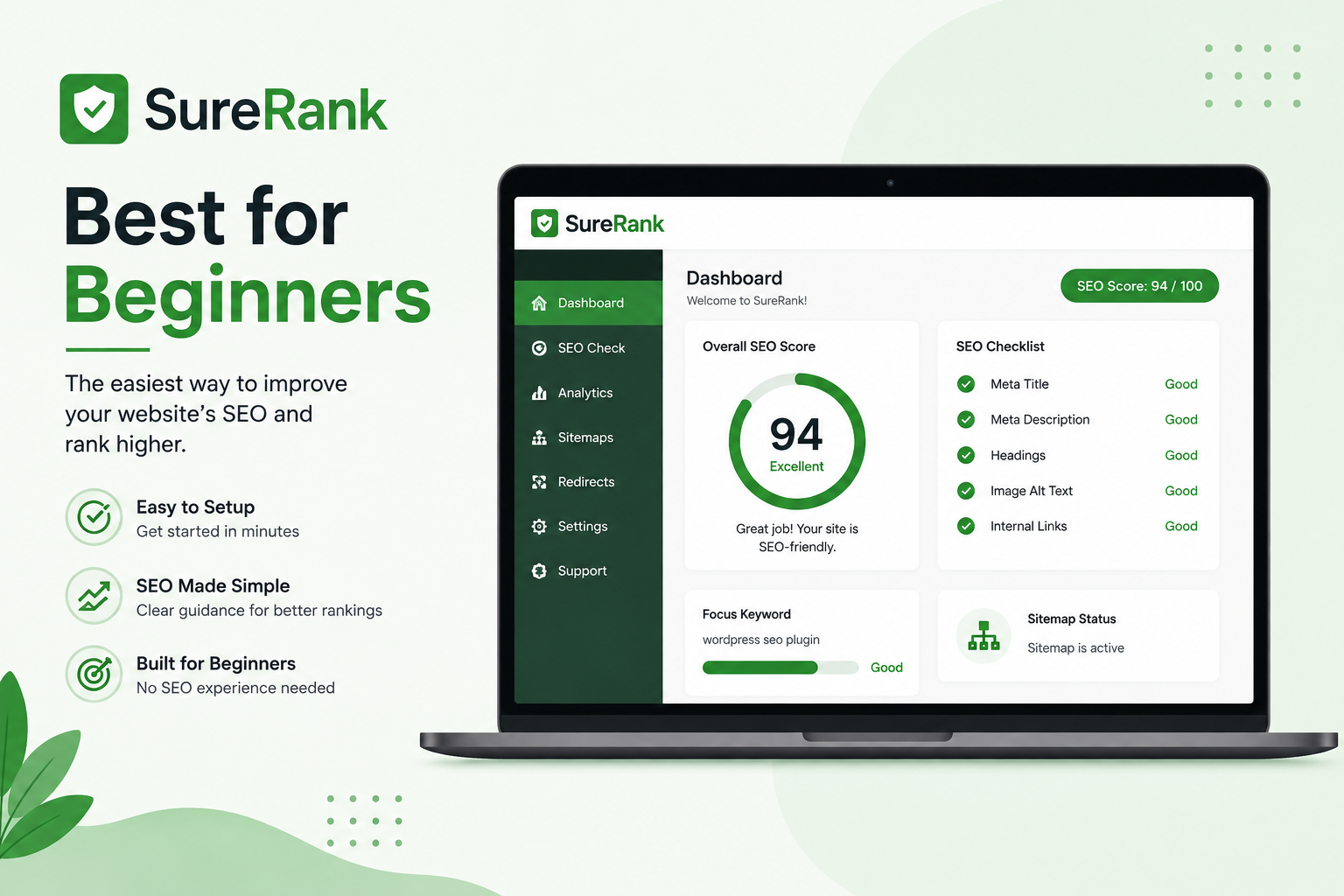
SureRank is a newer option for WordPress users who want a straightforward SEO workflow.
It focuses on guiding users through important optimization settings instead of making them deal with every technical detail immediately.
Main Features
- SEO analysis
- Meta titles
- Meta descriptions
- Sitemaps
- Schema
- Indexing controls
- Optimization recommendations
For someone building their first WordPress website, a simpler interface can make SEO less confusing.
Best for: Beginners, bloggers, and new websites.
10. Redirection — Best for Managing Redirects
Redirection is different from most of the best SEO plugins on this list because it focuses mainly on redirects and 404 errors.
For example, if you change a page URL, you can create a 301 redirect from the old URL to the new one. This helps visitors and search engines reach the correct page.
Main Features
- 301 redirects
- 404 monitoring
- URL management
- Redirect rules
- Redirect logs
It can be particularly useful for older websites that have many changed or deleted URLs.
Best for: Websites that frequently change URLs or need dedicated redirect management.
How to Choose the Best SEO Plugin for WordPress
Choosing the best WordPress SEO plugin depends on your website and how much control you want.
If you are a beginner, Yoast SEO or Slim SEO can provide a relatively simple starting point. If you want a large collection of features, Rank Math is worth considering.
Business websites may prefer AIOSEO, while experienced users who want more control can look at SEOPress.
The important thing is to choose based on your actual requirements rather than simply selecting the plugin with the most features.
Best Free SEO Plugin for WordPress
If you are specifically searching for the best free SEO plugin for WordPress, there are several options available.
Rank Math, Yoast SEO, AIOSEO, SEOPress, The SEO Framework, and Slim SEO all offer free versions.
For a new blog or small website, a free version may provide enough functionality to handle your basic SEO needs.
You can start with features such as:
- SEO titles
- Meta descriptions
- XML sitemaps
- Basic schema
- Canonical URLs
- On-page optimization
As your website grows, you can decide whether you need premium features.
What Should You Look for in an SEO Plugin?
Before installing an SEO plugin for WordPress, consider the features that matter most to your website.
SEO Titles and Meta Descriptions
You should be able to customize titles and meta descriptions for your posts and pages.
XML Sitemaps
A sitemap helps search engines discover important URLs on your website.
Schema Markup
Schema helps search engines understand the type and information contained in your content.
Redirects
Redirect management is important when you change, remove, or move pages.
On-Page SEO
An on-page SEO plugin can help you optimize titles, headings, keywords, meta descriptions, and content structure.
Search Console Integration
Some SEO tools for WordPress can connect with Google Search Console, making it easier to monitor impressions, clicks, queries, and page performance.
Do You Need an SEO Plugin for WordPress?
You can technically run a WordPress website without an SEO plugin, but one can make optimization much easier.
Instead of manually managing different technical settings, you can use a WordPress SEO optimization plugin to handle many tasks from your dashboard.
However, you generally do not need multiple plugins doing the same thing. Choose one primary SEO plugin and configure it correctly.
Can an SEO Plugin Improve Google Rankings?
An SEO plugin can help you implement important SEO settings, but it cannot guarantee higher rankings.
Your overall SEO strategy also needs:
- Helpful content
- Proper keyword research
- Search intent optimization
- Internal linking
- Quality backlinks
- Good website speed
- Mobile-friendly design
- Technical SEO
- A good user experience
So, think of an SEO plugin as a tool that supports your SEO strategy rather than a shortcut to Google’s first page.
Final Verdict
The best WordPress SEO plugins can save time and make website optimization easier.
Rank Math is a strong all-around option for users who want many features. Yoast SEO is particularly useful for beginners and bloggers, while AIOSEO works well for business websites and online stores.
SEOPress is a good option for users who want more control, while The SEO Framework and Slim SEO are suitable for people who prefer a lightweight approach. Squirrly SEO can be useful for content creators interested in keyword and AI assistance.
Whichever SEO plugin you choose, remember that good SEO requires more than installing a plugin. Combine your plugin with helpful content, keyword research, internal linking, technical optimization, and a fast website to build a stronger foundation for search visibility.