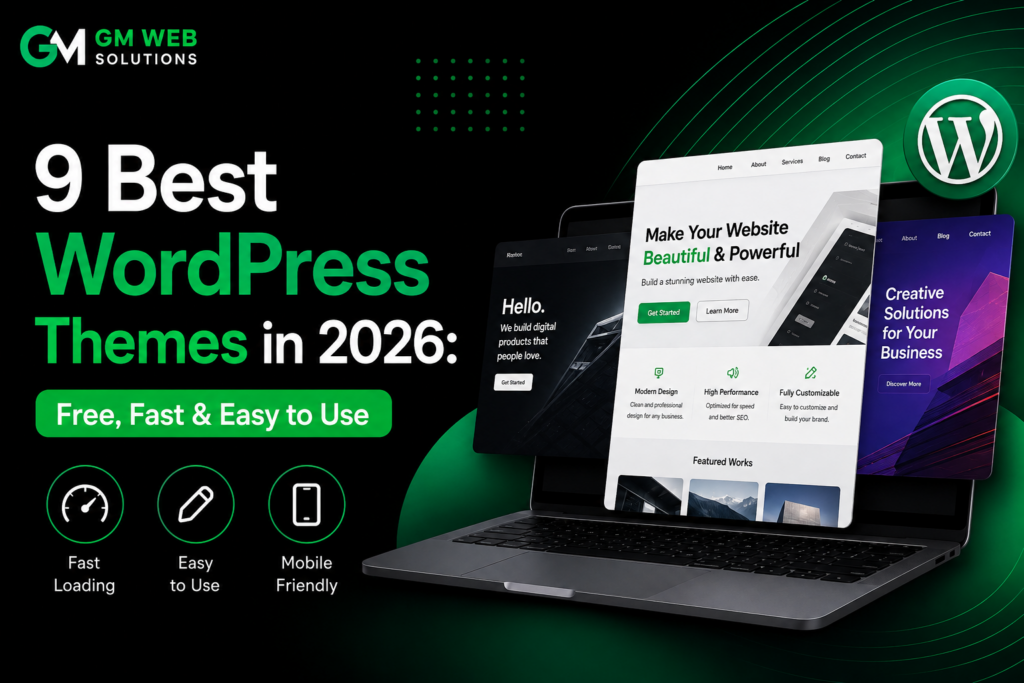
Choosing the best WordPress themes is one of the first important decisions you make when building a website.A theme does much more than change the colors and appearance of your pages. It can influence your website’s speed, mobile experience, customization options, usability, and compatibility with WordPress features and plugins.
There are thousands of free WordPress themes available, but they are not all equally useful. Some provide attractive designs but very few features for free, while others focus on speed but require more technical knowledge to create a polished website.
To help you choose the right option, we compared nine popular free WordPress themes based on their available features, performance, future compatibility, ease of use, and support.
In this guide, we cover 9 of the best WordPress themes in 2026: Blocksy, Astra, Kadence, Ollie, Botiga, Neve, Twenty Twenty-Five, Ashe, and GeneratePress.
The Best WordPress Themes in 2026 at a Glance
Here is a quick comparison of the themes before we look at each one in detail.
| Rank | WordPress Theme | Score | Best For | Performance | Beginner Friendly |
| 1 | Blocksy | 54/60 | Flexible websites | 9/10 | 8/10 |
| 2 | Astra | 53/60 | Beginners & business websites | 8/10 | 10/10 |
| 3 | Kadence | 52/60 | Professional websites | 9/10 | 8/10 |
| 4 | Ollie | 49/60 | Full Site Editing | 10/10 | 7/10 |
| 5 | Botiga | 47/60 | Online stores | 8/10 | 8/10 |
| 6 | Neve | 47/60 | Blogs & mobile websites | 9/10 | 9/10 |
| 7 | Twenty Twenty-Five | 47/60 | Block-based websites | 10/10 | 4/10 |
| 8 | Ashe | 45/60 | Blogs & magazines | 7/10 | 10/10 |
| 9 | GeneratePress | 43/60 | Speed-focused websites | 10/10 | 6/10 |
The scores and ranking are based on the Raidboxes comparison, which evaluates free value, performance, future compatibility, beginner-friendliness, and community/support.
How to Choose the Best WordPress Theme
A theme should not be selected only because its demo looks attractive. Before installing a theme, it is useful to consider several other factors.
Free Features
The amount of functionality included in the free version matters. Some themes offer useful customization tools without payment, while others reserve many important options for their Pro plans.
Performance
A lightweight theme can help your website load efficiently. Fast loading is particularly important for visitors using mobile devices.
Future Compatibility
WordPress continues to develop around Gutenberg, blocks, and Full Site Editing. A modern theme should be prepared to work with these technologies.
Beginner-Friendliness
If you are new to WordPress, an easy setup process can save considerable time. A good theme should help you create a presentable website without requiring advanced coding skills.
Support and Community
Documentation, tutorials, forums, and community resources are useful when you need help with customization or troubleshooting.
1. Blocksy – Best Overall Free WordPress Theme
Blocksy ranks first among the best WordPress themes in this comparison with 54/60.. It stands out because of the large number of customization options available without purchasing the Pro version.
The theme provides a modern customization experience and gives users control over important areas of their website, including headers, footers, colors, typography, and layouts.
Blocksy can be used for many different types of websites, from personal blogs and portfolios to business websites and online stores.
Key Features
- Header and footer builder
- Drag-and-drop customization
- Global color palettes
- Typography controls
- Multiple blog layouts
- Sticky header
- Dark mode
- Gutenberg compatibility
- Page-builder compatibility
- WooCommerce support
- Responsive customization
Another useful advantage is its responsive controls. You can adjust many settings separately for desktop, tablet, and mobile screens.
Pros
- Excellent free feature set
- Modern customization interface
- Strong performance
- Detailed mobile controls
- WooCommerce support
- Starter websites
Cons
- Many options can initially feel overwhelming
- Some advanced features require the Pro version
Best For
Blocksy is a strong choice for bloggers, businesses, agencies, portfolios, freelancers, and users who want extensive customization.
Image placement: Add Blocksy theme/customizer screenshot here.
Image Title: Blocksy WordPress Theme 2026
Alt Text: Blocksy WordPress theme customization options
2. Astra – One of the Best WordPress Themes for Beginners
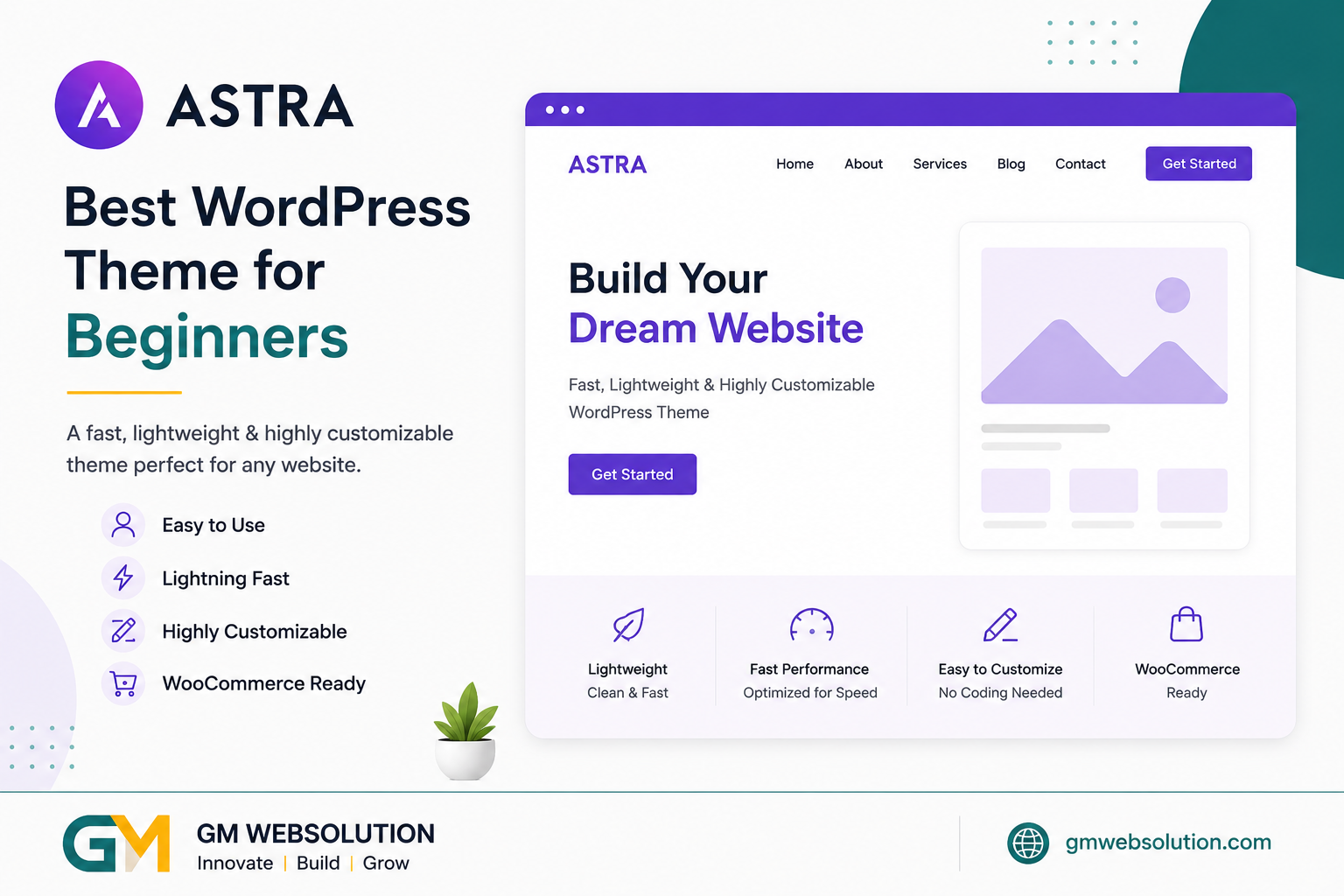
Astra ranks second with 53/60 and is particularly suitable for people who are new to WordPress.
One of Astra’s biggest advantages is its collection of starter templates. Instead of creating every page from the beginning, you can start with a ready-made design and replace the demo content with your own.
This can make the website-building process considerably faster.
Key Features
- Large starter template library
- Lightweight code
- WooCommerce integration
- Responsive design
- Page-builder compatibility
- Gutenberg support
- Customization options
- Free and Pro versions
Astra also benefits from a large user community, making it relatively easy to find tutorials and solutions when you need assistance.
Pros
- Very beginner-friendly
- Large collection of templates
- Lightweight
- Good plugin compatibility
- Suitable for many website types
- Strong community support
Cons
- Some customization options are limited in the free version
- Advanced features require Astra Pro
Best For
Astra is ideal for beginners, small businesses, bloggers, freelancers, and users who want to create a website quickly.
Image placement: Add Astra starter template screenshot here.
Image Title: Astra WordPress Theme
Alt Text: Astra starter templates for WordPress websites
3. Kadence – Best for Professional Customization
Kadence ranks third with 52/60. It offers a balance between performance, customization, and ease of use.
The theme provides useful controls for creating professional websites without making the interface unnecessarily complicated.
Its header and footer builder is one of its useful features. Global color settings also allow you to maintain a consistent design across your website.
Key Features
- Header and footer builder
- Global colors
- Typography controls
- Responsive customization
- Starter templates
- Gutenberg support
- WooCommerce compatibility
- Kadence Blocks integration
Kadence works particularly well with the WordPress block editor. Combined with Kadence Blocks, it can provide many tools normally associated with traditional page builders.
Pros
- Strong customization options
- Good performance
- Professional designs
- Excellent block-editor integration
- Useful starter templates
Cons
- Some advanced features require Pro
- Beginners may need some time to understand all options
Best For
Kadence is suitable for business websites, professional blogs, agencies, freelancers, and portfolio websites.
4. Ollie – Best for Full Site Editing
Ollie ranks fourth with 49/60. Unlike traditional themes that rely heavily on the Customizer, Ollie is designed around WordPress’s modern block-based editing system.
It makes use of Full Site Editing, allowing users to work with blocks and global styles throughout their website.
The theme also provides an onboarding process that can help users understand how to configure their website.
Key Features
- Full Site Editing
- WordPress block editor support
- Global styles
- Block patterns
- Guided setup
- Responsive layouts
- Lightweight structure
Ollie is an interesting option if you want to use the newer WordPress editing experience instead of relying heavily on external page builders.
Pros
- Modern WordPress approach
- Excellent performance
- Professional block patterns
- Low dependence on page builders
- Low lock-in
Cons
- Site Editor has a learning curve
- Users familiar with the traditional Customizer may need some adjustment
- Smaller community than Astra
Best For
Ollie is a good option for modern websites, creators, agencies, and users who want to work with Full Site Editing.
Image placement: Add Ollie theme screenshot here.
Image Title: Ollie WordPress Theme
Alt Text: Ollie Full Site Editing WordPress theme
5. Botiga – Best WordPress Theme for Online Stores
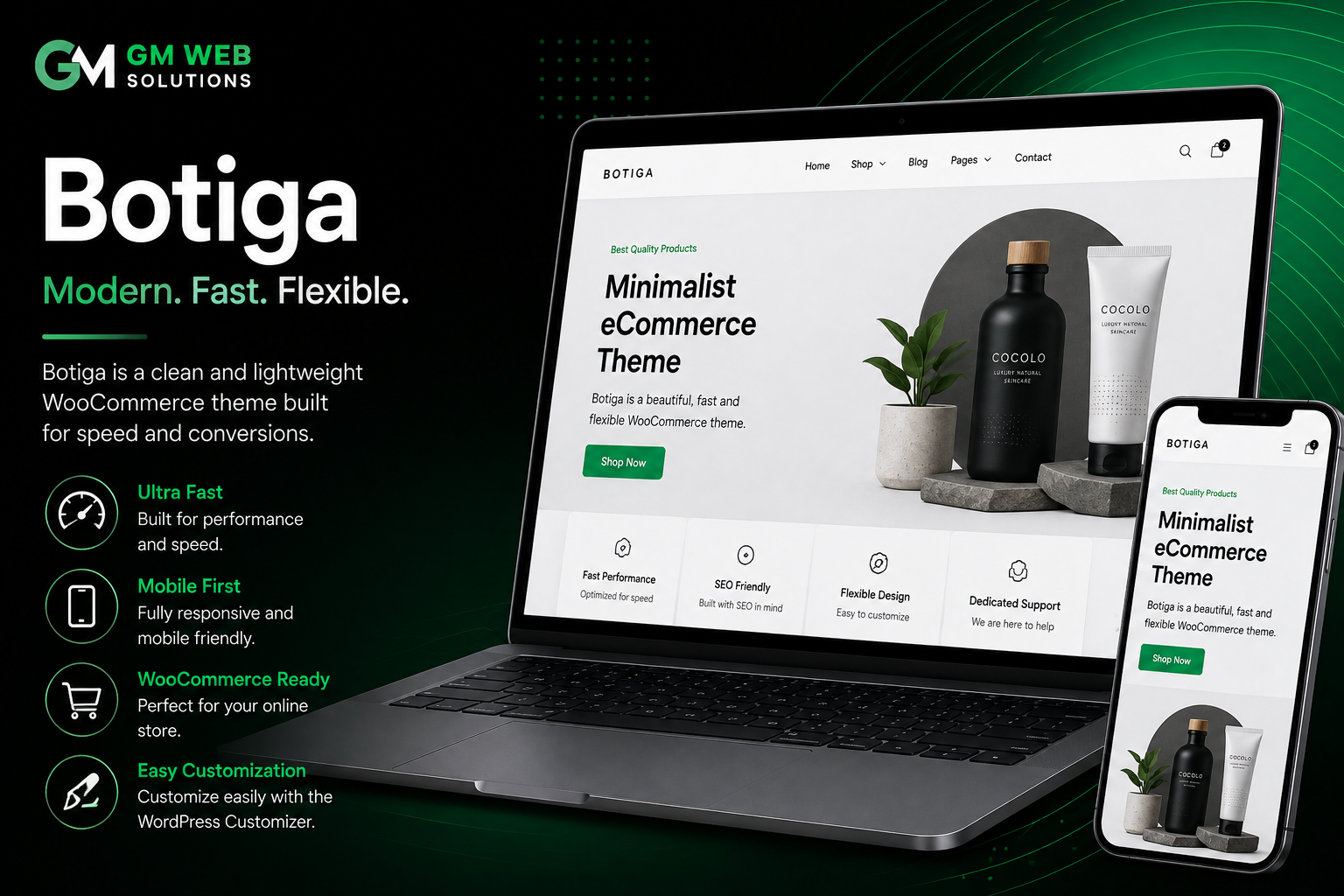
Botiga receives 47/60 and is focused heavily on eCommerce websites.
If your primary goal is to create a WooCommerce store, Botiga is worth considering because many of its features are designed specifically for online shopping.
Key Features
- WooCommerce integration
- Product layouts
- Shop page customization
- Responsive design
- Store-focused layouts
- Cart and checkout options
- Free and premium versions
The free version provides a useful foundation for a small online store, while additional features are available through premium options.
Pros
- Designed for online stores
- Good WooCommerce integration
- Modern store layouts
- Easy to customize
- Useful free features
Cons
- More specialized than multipurpose themes
- Some advanced WooCommerce features require Pro
Best For
Botiga is suitable for entrepreneurs, small businesses, and website owners who want to create WooCommerce stores.
Image placement: Add Botiga WooCommerce screenshot here.
Image Title: Botiga WordPress Theme for Online Stores
Alt Text: Botiga WooCommerce WordPress theme
6. Neve – Best Lightweight WordPress Theme
Neve scores 47/60 and focuses strongly on speed and mobile usability.
Its lightweight design makes it a practical choice for bloggers, small businesses, freelancers, and users who want a fast website without unnecessary complexity.
Neve also provides starter websites, making it possible to begin with an existing layout instead of designing every section yourself.
Key Features
- Mobile-first approach
- Lightweight design
- Header and footer builder
- Starter templates
- Global colors
- Responsive layouts
- Gutenberg compatibility
- Page-builder support
Pros
- Fast and lightweight
- Beginner-friendly
- Good mobile experience
- Starter websites
- Flexible layouts
Cons
- Some advanced features require Pro
- Advanced WooCommerce features are limited in the free version
Best For
Neve is a good choice for small businesses, bloggers, freelancers, and mobile-focused websites.
7. Twenty Twenty-Five – Best Native WordPress Theme
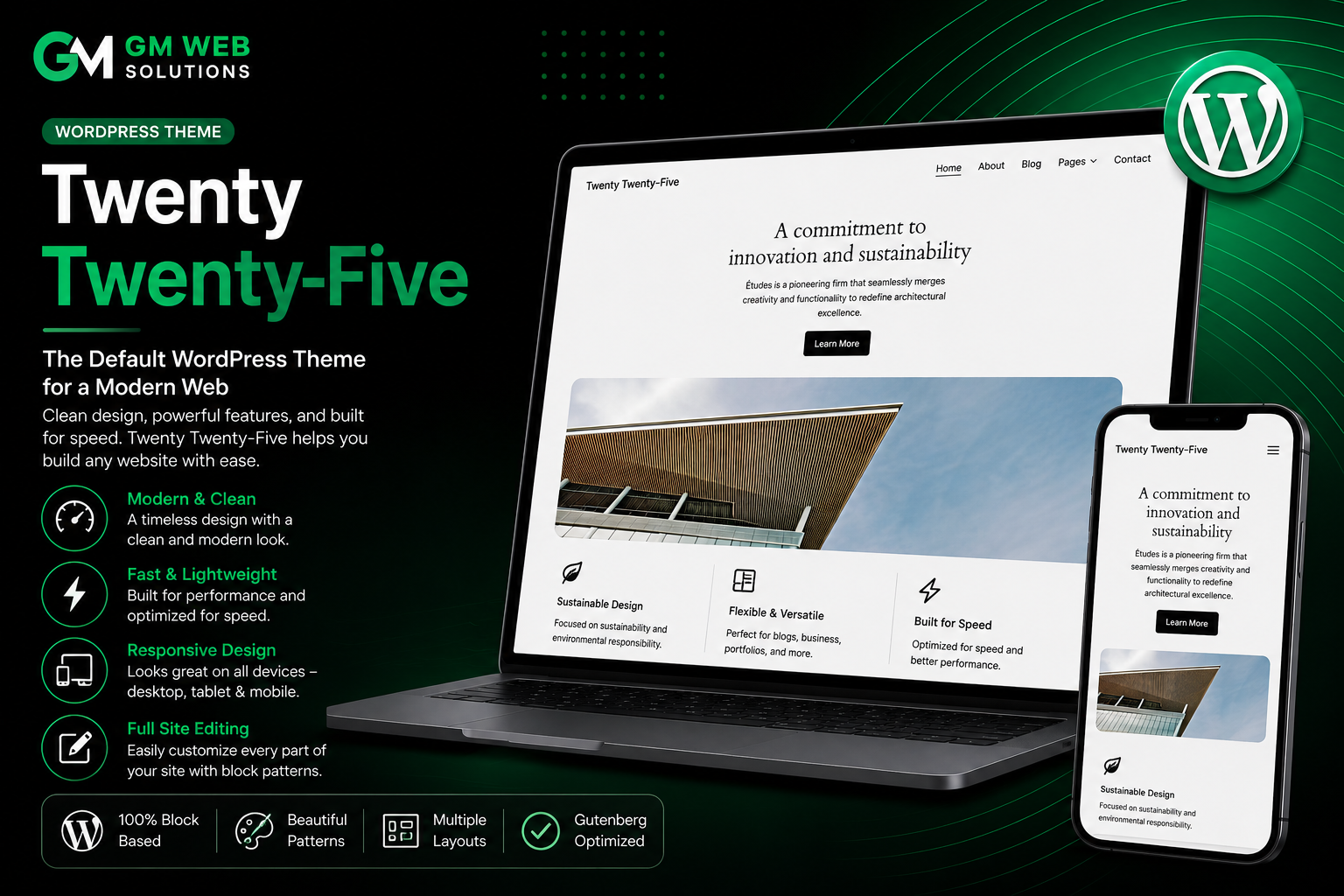
Twenty Twenty-Five receives 47/60 and is different from many third-party themes because it is an official WordPress theme.
It is built around blocks and Full Site Editing, making it an interesting option for people who prefer WordPress’s native editing tools.
Key Features
- Official WordPress theme
- Block editor support
- Full Site Editing
- Global styles
- Responsive design
- Multiple style options
- Free to use
Its close connection with WordPress makes it a good option for users who want a straightforward block-based setup.
Pros
- Free
- Strong WordPress compatibility
- Modern block-based approach
- Lightweight
- Low lock-in
Cons
- Less beginner-friendly than traditional themes
- Site Editor requires some learning
- Fewer ready-made customization controls
Best For
Twenty Twenty-Five is suitable for bloggers, developers, writers, and users who want to build websites directly with WordPress blocks.
8. Ashe – Best for Blogs and Magazines
Ashe ranks eighth with 45/60. It focuses more on content presentation and simplicity than extensive technical customization.
This makes it a practical choice for bloggers, writers, magazines, lifestyle websites, and personal content websites.
Key Features
- Blog-focused layouts
- Responsive design
- Clean typography
- Simple customization
- Magazine-style appearance
- Free version
Ashe is useful for users who want an attractive blog without spending a lot of time configuring complicated settings.
Pros
- Very easy to use
- Attractive blog layouts
- Beginner-friendly
- Good for content websites
- Simple setup
Cons
- Less flexible than multipurpose themes
- Performance is lower than some lightweight alternatives
- Better suited to blogs than complex business websites
Best For
Ashe is ideal for bloggers, writers, magazines, lifestyle websites, and personal websites.
Image placement: Add Ashe blog layout screenshot here.
Image Title: Ashe WordPress Theme for Blogs
Alt Text: Ashe WordPress theme blog layout
9. GeneratePress – Best WordPress Theme for Performance
GeneratePress ranks ninth overall with 43/60, but its lower overall position should not be confused with poor performance. It receives 10/10 for performance in the comparison.
GeneratePress is built around a lightweight foundation and is especially attractive to experienced WordPress users and developers.
The free version focuses more on providing a clean technical foundation than offering a large number of visual design controls.
Key Features
- Lightweight structure
- Performance-focused code
- Responsive design
- Layout controls
- Gutenberg compatibility
- GenerateBlocks integration
- WooCommerce compatibility
Pros
- Excellent performance
- Very lightweight
- Strong developer support
- Excellent plugin compatibility
- Very low lock-in
Cons
- Limited free design options
- Fewer starter designs in the free version
- Beginners may find it too basic
Best For
GeneratePress is ideal for developers, experienced WordPress users, bloggers, affiliate websites, and anyone who prioritizes speed.
Image placement: Add GeneratePress screenshot here.
Image Title: GeneratePress WordPress Theme
Alt Text: GeneratePress lightweight WordPress theme
Best WordPress Themes Comparison
After reviewing all nine options, this table provides a quick comparison of their main strengths.
| Theme | Free Value | Performance | Future Compatibility | Beginner Friendly | Support |
| Blocksy | 10/10 | 9/10 | 9/10 | 8/10 | 8/10 |
| Astra | 8/10 | 8/10 | 9/10 | 10/10 | 10/10 |
| Kadence | 9/10 | 9/10 | 9/10 | 8/10 | 8/10 |
| Ollie | 8/10 | 10/10 | 9/10 | 7/10 | 7/10 |
| Botiga | 8/10 | 8/10 | 8/10 | 8/10 | 7/10 |
| Neve | 7/10 | 9/10 | 8/10 | 9/10 | 7/10 |
| Twenty Twenty-Five | 7/10 | 10/10 | 10/10 | 4/10 | 9/10 |
| Ashe | 8/10 | 7/10 | 6/10 | 10/10 | 6/10 |
| GeneratePress | 4/10 | 10/10 | 9/10 | 6/10 | 10/10 |
The scoring follows the published Raidboxes evaluation.
Which Best WordPress Theme Should You Choose?
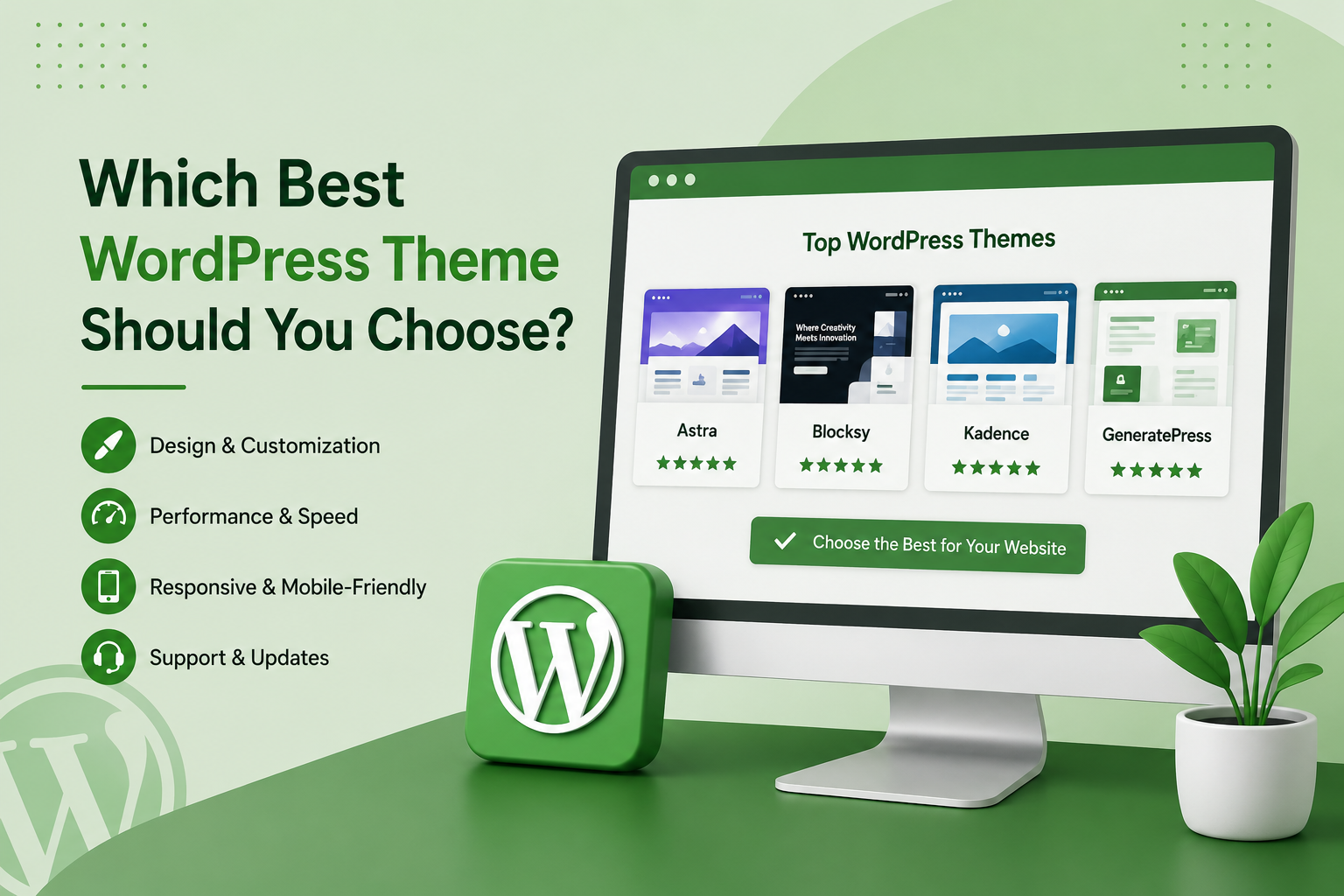
There is no single theme that is perfect for every type of website.
Choose Blocksy If:
You want extensive customization options in the free version and prefer a modern customization interface.
Choose Astra If:
You are a beginner and want ready-made templates that can help you build a website quickly.
Choose Kadence If:
You want a professional website with strong control over colors, typography, headers, and layouts.
Choose Ollie If:
You want to use WordPress Full Site Editing and build your website with blocks.
Choose Botiga If:
Your main goal is to create an online store using WooCommerce.
Choose Neve If:
You want a lightweight theme with a strong focus on mobile performance.
Choose Twenty Twenty-Five If:
You prefer WordPress’s native block editor and official themes.
Choose Ashe If:
You are primarily creating a blog, magazine, or content-focused website.
Choose GeneratePress If:
Performance is your biggest priority and you are comfortable doing more customization yourself.
Free WordPress Themes vs Premium Themes
A free WordPress theme can be enough to create a professional website. You do not necessarily need to purchase a premium theme when starting a new project.
Free themes can work well for:
- Personal blogs
- Small business websites
- Portfolio websites
- Content websites
- Simple online stores
- New WordPress websites
Premium themes become useful when you need advanced design controls, additional templates, specialized WooCommerce features, or priority support.
Before purchasing a premium theme, check the free version carefully. You may find that it already provides everything your website requires.
What Should You Look for in the Best WordPress Themes?
Before installing a theme, consider these seven factors.
1. Performance
Choose a theme that loads efficiently and avoids unnecessary scripts and resources.
2. Mobile Responsiveness
Your website should look and work properly on smartphones, tablets, laptops, and desktop computers.
3. Customization
Check whether the theme lets you control important elements such as colors, typography, headers, footers, and layouts.
4. Plugin Compatibility
Make sure the theme works properly with the plugins you plan to use.
5. Regular Updates
An actively maintained theme is generally a better long-term choice because WordPress itself continues to change.
6. Support
Good documentation and an active community can make it much easier to solve problems.
7. Future Compatibility
A theme that works well with Gutenberg, blocks, and modern WordPress features can provide a better foundation for future changes.
Final Verdict
The best WordPress theme depends on what you want to build and how much customization you need.
Blocksy is the strongest overall free option in this comparison because it provides a wide range of useful customization features.
Astra is particularly suitable for beginners because of its starter templates and large community.
Kadence offers a strong combination of customization and performance, while Ollie is an interesting choice for users who want to embrace Full Site Editing.
For WooCommerce stores, Botiga is worth considering. Neve provides a good balance between speed and ease of use, while Twenty Twenty-Five is a strong choice for users who prefer native WordPress tools.
For blogs and magazines, Ashe provides a simple approach. Meanwhile, GeneratePress is an excellent option for experienced users who care most about performance and lightweight code.
The best choice is not necessarily the theme with the highest score. Select a theme that provides the features your website actually needs, performs well on mobile devices, receives updates, and is easy for you to manage.
Frequently Asked Questions
What is the best WordPress theme in 2026?
The best WordPress theme depends on your website requirements. In this free-theme comparison, Blocksy ranks first with 54/60, followed by Astra with 53/60 and Kadence with 52/60.
Which WordPress theme is best for beginners?
Astra is an excellent option for beginners because of its ready-made templates, simple setup process, and large community.
Which WordPress theme is best for speed?
GeneratePress, Ollie, and Twenty Twenty-Five each receive a 10/10 performance score in the referenced comparison.
Which WordPress theme is best for an online store?
Botiga is specifically focused on WooCommerce and online stores. Astra, Kadence, and other multipurpose themes can also be used for eCommerce websites.
Is Blocksy better than Astra?
Both are strong options. Blocksy ranks higher in this particular free-theme comparison, while Astra stands out for beginner-friendliness and community support.
Are free WordPress themes good for business websites?
Yes. A quality free theme can be sufficient for a small or medium business website. Performance, responsiveness, customization, updates, and plugin compatibility are important factors to consider.
Can I change my WordPress theme later?
Yes. WordPress allows you to change themes. However, you should make a backup and test the new theme before changing the theme on a live website.
Do WordPress themes affect SEO?
A theme can indirectly affect SEO through factors such as loading performance, mobile usability, site structure, and user experience. However, simply installing a particular theme does not guarantee better Google rankings.
Conclusion
Finding the best WordPress themes does not have to be complicated.. Start by deciding what kind of website you want to create, then compare themes according to performance, customization, ease of use, compatibility, and future requirements.
For maximum free customization, Blocksy is a strong choice. Beginners can start with Astra, while Kadence is excellent for professional websites. Users interested in Full Site Editing can consider Ollie, and WooCommerce store owners can look at Botiga.
Neve is a good lightweight option, Twenty Twenty-Five is useful for native WordPress block editing, and Ashe is particularly suitable for bloggers. If speed is your main priority and you are comfortable with more manual customization, GeneratePress remains a strong option.
Choose the theme that matches your project rather than selecting one simply because it is popular. A fast, responsive, regularly updated theme with the features you actually need can provide a much better foundation for your WordPress website.