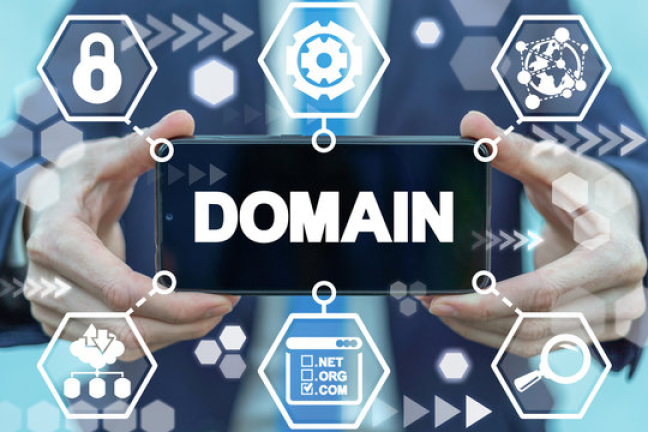
In the world of the internet, the word domain is extremely important because it is the online identity of your website. When people type a web address like google.com or facebook.com, they are entering a domain name to visit that site. Without a domain, no one can access your website easily. Choosing and buying a cheap domain is one of the first steps in building your website. In this article, we will explore what a domain name is, how it works, why it matters, and how you can buy a cheap domain in a few simple steps — even if you’re a beginner.
What Is a Domain Name?
A domain name is the human-readable address of your website. Instead of remembering long numeric IP addresses like 192.168.1.1, domain names make it easy for users to find and open websites. For example:
| google.com | |
| YouTube | youtube.com |
| Hostinger | hostinger.com |
Just like every house has a street address, every website has a domain address.
How a Domain Works
When someone types your domain name into a browser:
- The browser sends a request to a global server (DNS system).
- The server finds the correct hosting server where your website files are stored.
- The browser then displays your website.
So, a domain points users to your website’s hosting server.
How to Buy a Cheap Domain in 5 Easy Steps
Now that you understand what a domain is, let’s move to the practical part.

Step 1: Choose a Domain Name
Your domain name should be:
- Short and easy to type
- Related to your brand or business
- Without hyphens or numbers (if possible)
Examples of Good Domains:
- smartdesigns.com
- freshmart.pk
- techhub.net
Examples of Weak Domains:
- best-website-ever123.com
- mybusinesswebsiteverylongname.net

Step 2: Check Domain Availability
To check if your domain is available, use a domain search tool:
Reliable Search Websites:
- Hostinger Domain Checker
- Namecheap
- GoDaddy
- Google Domains
Search the name you want. If it is already taken, try:
- Adding your city or location
- Adding one relevant word
- Trying another TLD extension
Example:
-
If freshmart.com is taken → try freshmartshop.com or freshmart.pk

Step 3: Select the Right Domain Extension
Common extensions and purpose:
| Extension | Best Use |
|---|---|
| .com | Business, universal use |
| .net | Tech & networking sites |
| .org | Organizations, NGOs |
| .pk / .in / .us | Local business identity |
| .shop / .store | Online stores |
| .blog | Personal blogs |
| .info | Informational sites |
If you want a cheap domain, often .store, .shop, .blog, and .online are cheaper than .com.
Prices vary depending on the registrar.
Here are common cheap domain providers:
| Hostinger | Low first-year price | Best for bundle with hosting |
| Namecheap | Very low renewal prices | Transparent pricing |
| GoDaddy | Cheap first year, high renewal | Watch renewal rates |
| Domain.com | Simple and reliable | Clean interface |
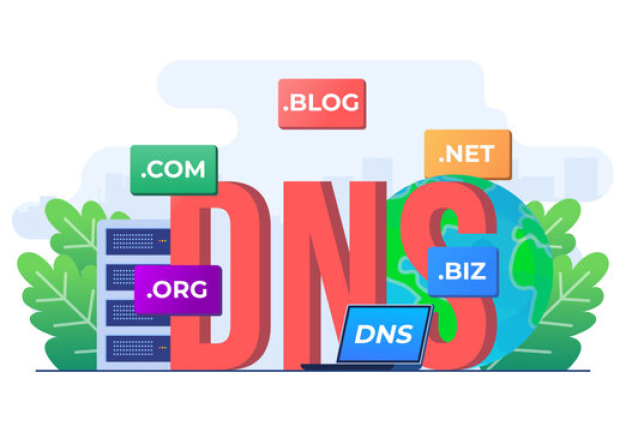
Step 5: Complete Purchase & Set Up DNS
Once you choose a domain and provider:
- Add the domain to your cart
- Provide your contact information (WHOIS)
- Complete payment
- Connect domain to your hosting using DNS Nameservers:
-
-
Example:
-
After DNS setup, your website will go live within a few hours (sometimes instantly).
Extra Tips to Save Money When Buying a Domain
| Tip | Benefit |
|---|---|
| Buy for 1 year first | Test brand before long-term investment |
| Avoid unnecessary add-ons | Save extra cost |
| Search promo codes | Can reduce price |
| Choose lesser-known TLDs if budget is low | Much cheaper options |
Common Mistakes to Avoid
❌ Buying a domain that is too long
❌ Selecting a name that is hard to pronounce
❌ Ignoring renewal pricing
❌ Using copyrighted brand names (risk of legal issues)
Final Thoughts
Your domain is the foundation of your online presence — it represents your identity on the internet. Buying a cheap domain doesn’t mean compromising quality. If you choose wisely, you can secure a professional and memorable domain name without overspending. Just follow the steps: choose a good name, check its availability, compare prices, choose the right extension, and complete registration.
Building your online brand starts with choosing the right domain — so take your time, be smart, and pick a name that reflects your identity and purpose.