Introduction
If you want to create a website that looks professional, loads fast, and ranks in search engines, this guide walks you through every step — with clear actions you can take right now. Follow these steps and you’ll go from idea → live site → search-friendly site.
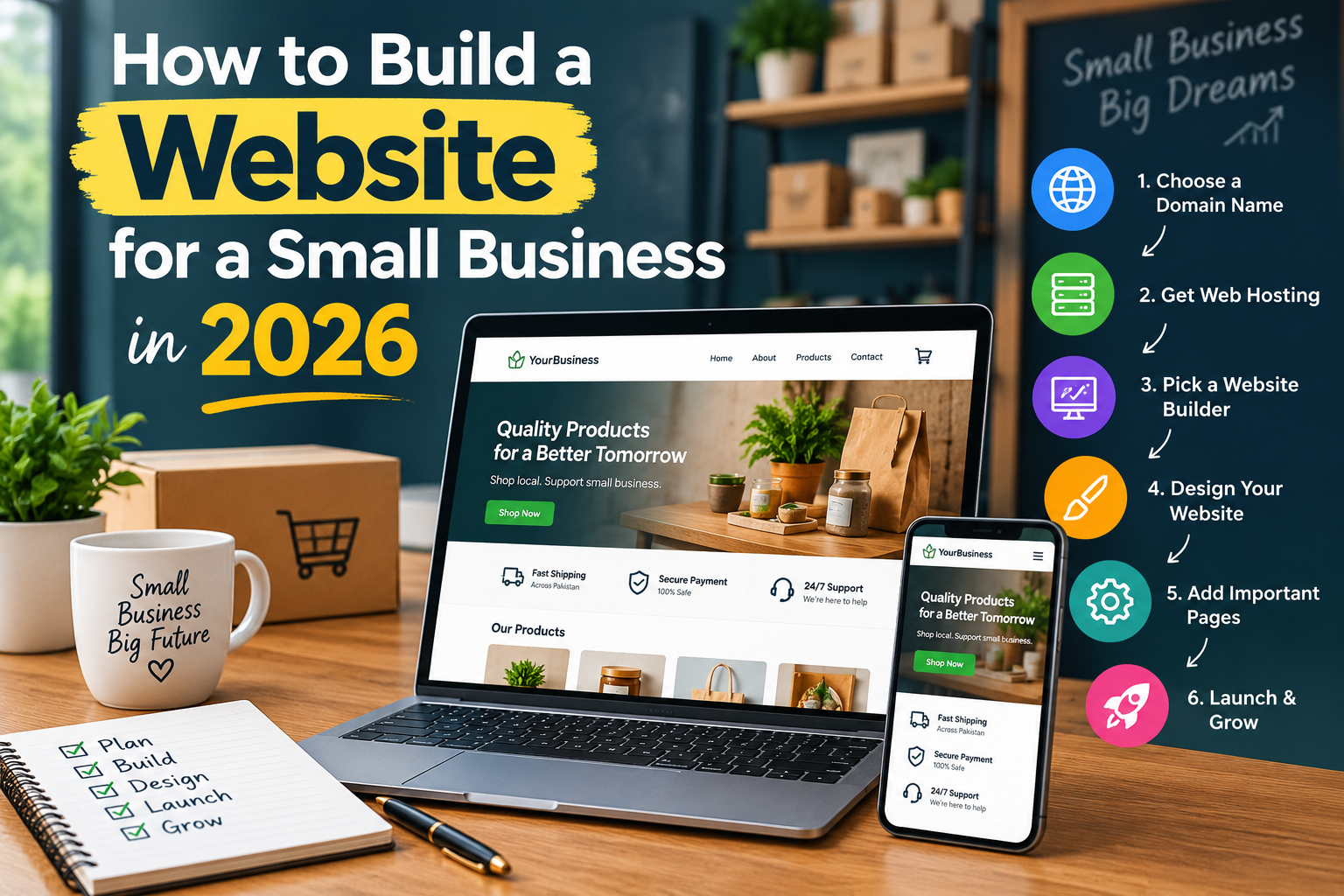
Step 1 — Decide your site’s purpose and structure
Before you create a website, be clear: is it a blog, portfolio, online store, or business brochure? Write a one-sentence goal (example: “Sell handmade mugs online”). Then sketch the primary pages: Home, About, Services/Shop, Contact, Blog. This structure guides everything else.
Step 2 — Choose a domain name
Pick a short, memorable domain that reflects your brand and target keyword(s). Use a .com if possible. When you register, include a primary keyword in your site title or page titles when sensible — but keep the domain natural.
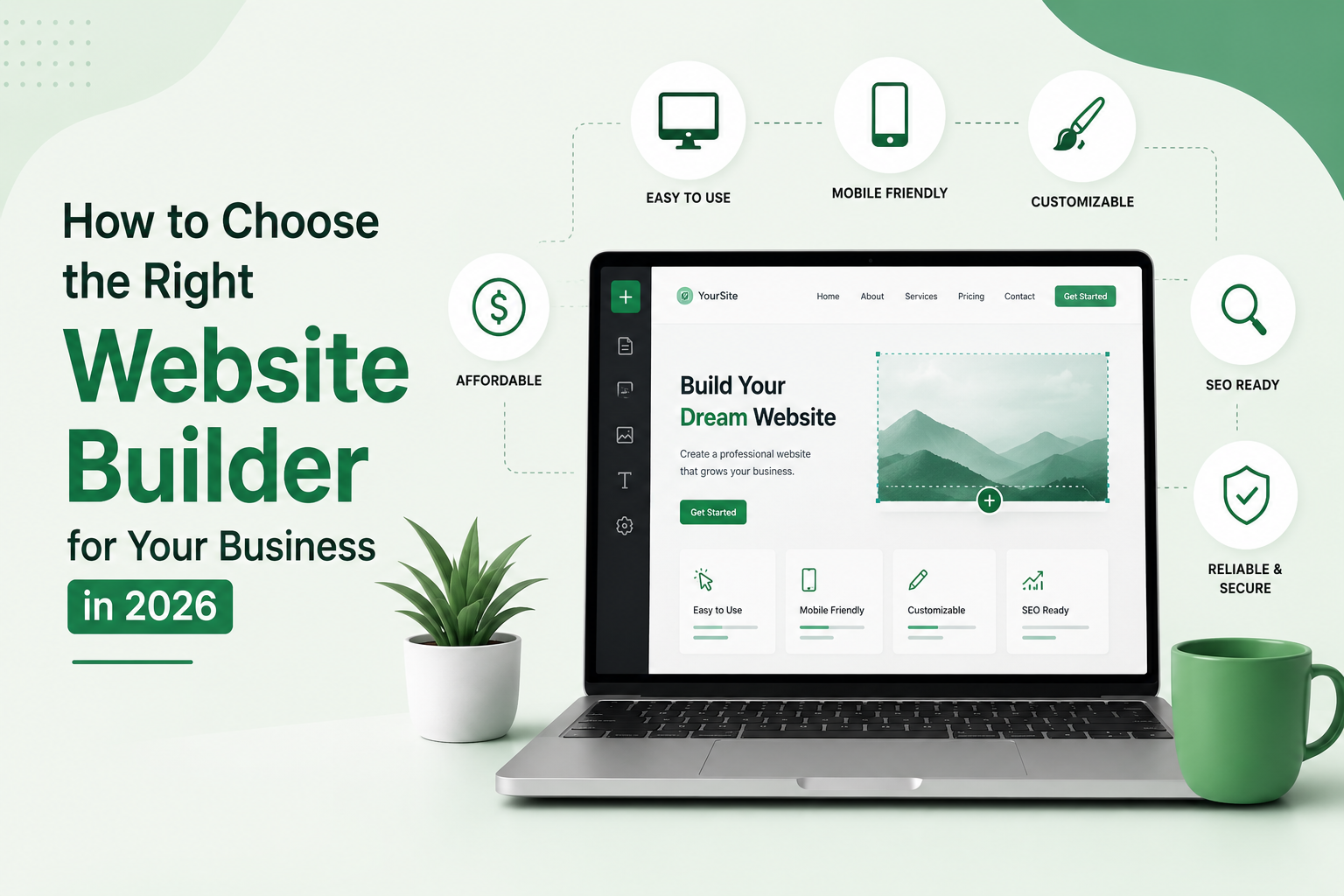
Step 3 — Choose hosting or a website builder

Options:
- Website builders: Wix, Squarespace — fastest to set up.
- Managed WordPress hosting: Bluehost, SiteGround, Cloudways — great for scalability.
- Ecommerce: Shopify for stores.
If you plan to scale or want full SEO control, choose WordPress (self-hosted). If speed & simplicity matter, a builder is fine.
Step 4 — Install CMS and essential tools
If using WordPress:
- Install WordPress on your hosting (one-click installs common).
- Install an SEO plugin (Yoast SEO or Rank Math).
- Add caching (WP Rocket or host caching) and SSL (Let’s Encrypt).
If using a builder, enable SEO settings and SSL in site settings.
Step 5 — Design site and navigation
Design tips:
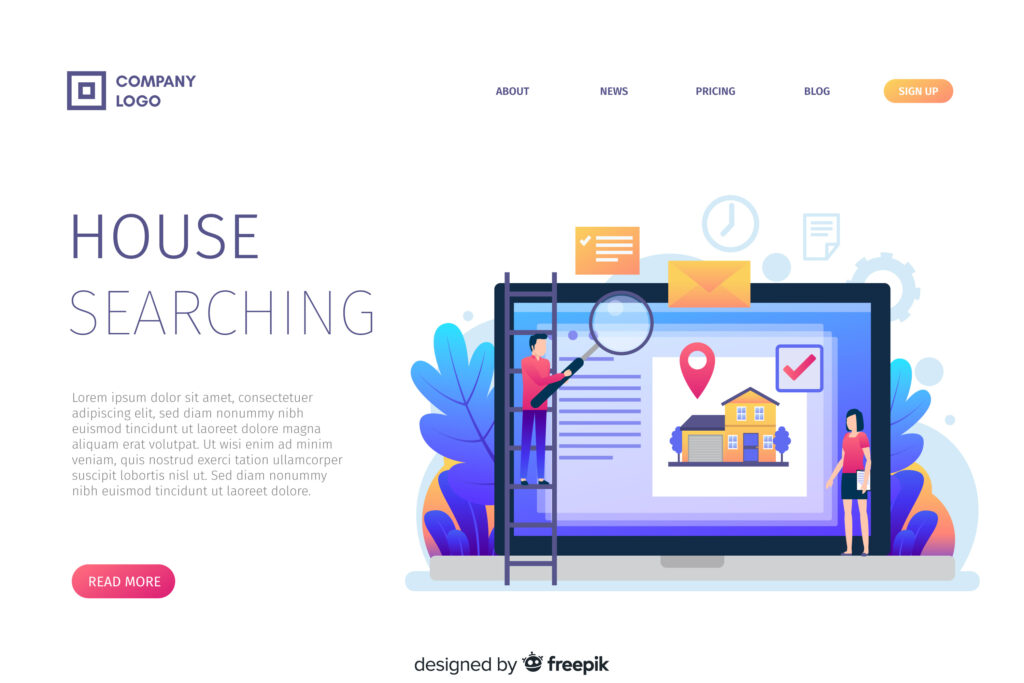
- Use a clean header with logo and menu.
- Keep navigation simple (4–6 items).
- Make CTAs (buttons) prominent.
- Use a responsive theme — mobile first.
- Set consistent fonts and colors.
Create templates for: Homepage, Blog post, Product page, Contact page.
Step 6 — Create SEO-ready pages and content
This is where you really create a website that ranks:
On-page SEO checklist for each page:
- Use your focus keyword naturally in the page title (H1).
- Include the focus keyword in the first 100 words occasionally.
- Add the focus keyword to the meta description and URL if sensible.
- Use descriptive, short URLs (example: /how-to-create-a-website).
- Use H2/H3 headings for structure and include keywords/variations.
- Add alt text to images describing the image (and include keywords if natural).
- Internal link to related pages and older posts.
- Keep paragraphs short and add bullet lists for scanability.
Step 7 — Add technical SEO & speed optimizations
Technical tasks:
- Ensure SSL (https).
- Create and submit sitemap.xml to Google Search Console.
- Add robots.txt and check it’s not blocking pages.
- Use structured data (schema.org) for articles, products, breadcrumbs.
- Compress and lazy-load images.
- Enable browser caching and GZIP compression.
- Aim for <3s load time and good Core Web Vitals.
Step 8 — Test, preview, and launch
Before launch:
- Test forms, shopping cart, and mobile view.
- Proofread content and test internal links.
- Run speed and SEO audits (Lighthouse, PageSpeed Insights).
- Set up Google Analytics and Google Search Console.
Then publish and announce your site on social media and email.
Step 9 — Promote and grow traffic
- Publish fresh blog posts regularly around related keywords (topic clusters).
- Build internal links and share posts on social media.
- Collect emails with a simple signup and send valuable newsletters.
- Consider guest posts and partnerships to earn backlinks.
If you publish a high-quality “how to create a website” pillar article, other sites are more likely to link to it.
Maintenance — keep your site healthy
- Update CMS, themes, and plugins weekly/monthly.
- Backup regularly.
- Monitor uptime and page speed.
- Refresh old posts and internal links every 3–6 months.
SEO FAQ (short)
Q: How long until my site ranks?
A: Ranking depends on competition and content quality — typically weeks to months. Keep publishing useful content and promoting it.
Q: Where should I use the phrase “create a website”?
A: Use it in page title (H1), meta description, URL, intro paragraph, and naturally within headings and body text — at least 4 times on your main pillar page. Don’t force it; prioritize readability.
Suggested on-page elements for this article
- Slug: /how-to-create-a-website
- Meta title: How to Create a Website — Step-by-Step Guide
- Meta description: Step-by-step instructions to create a website, choose hosting, design, and optimize for SEO. Beginner friendly.
- OG image alt text: Screenshot of a modern website design showing header and hero section.
- Schema: Article schema with author, datePublished, dateModified, mainEntityOfPage.
Final checklist before you launch
- Domain & hosting configured
- SSL active
- Core pages published (Home, About, Contact, Blog)
- SEO plugin configured and sitemap submitted
- Analytics installed
- Speed optimizations in place
- Backups scheduled
Closing / Call to action
Ready to create a website now? Start with a clear goal, pick a platform, and build one page at a time. If you want, I can:
- Draft your homepage copy optimized for the keyword create a website, or
- Produce a full SEO meta package (titles, descriptions, slug, schema) for your site.
Tell me which page I should write first and I’ll draft it.